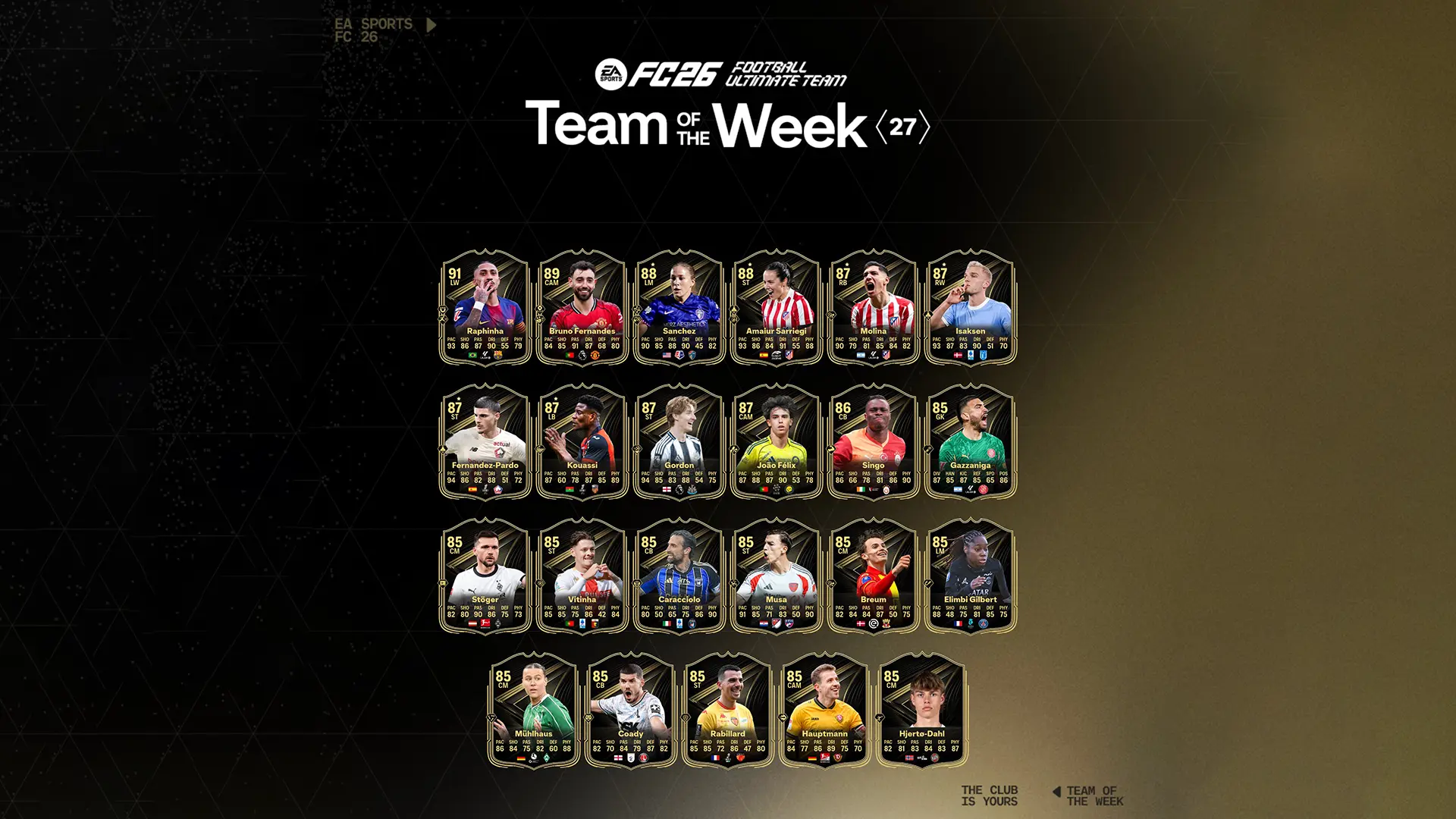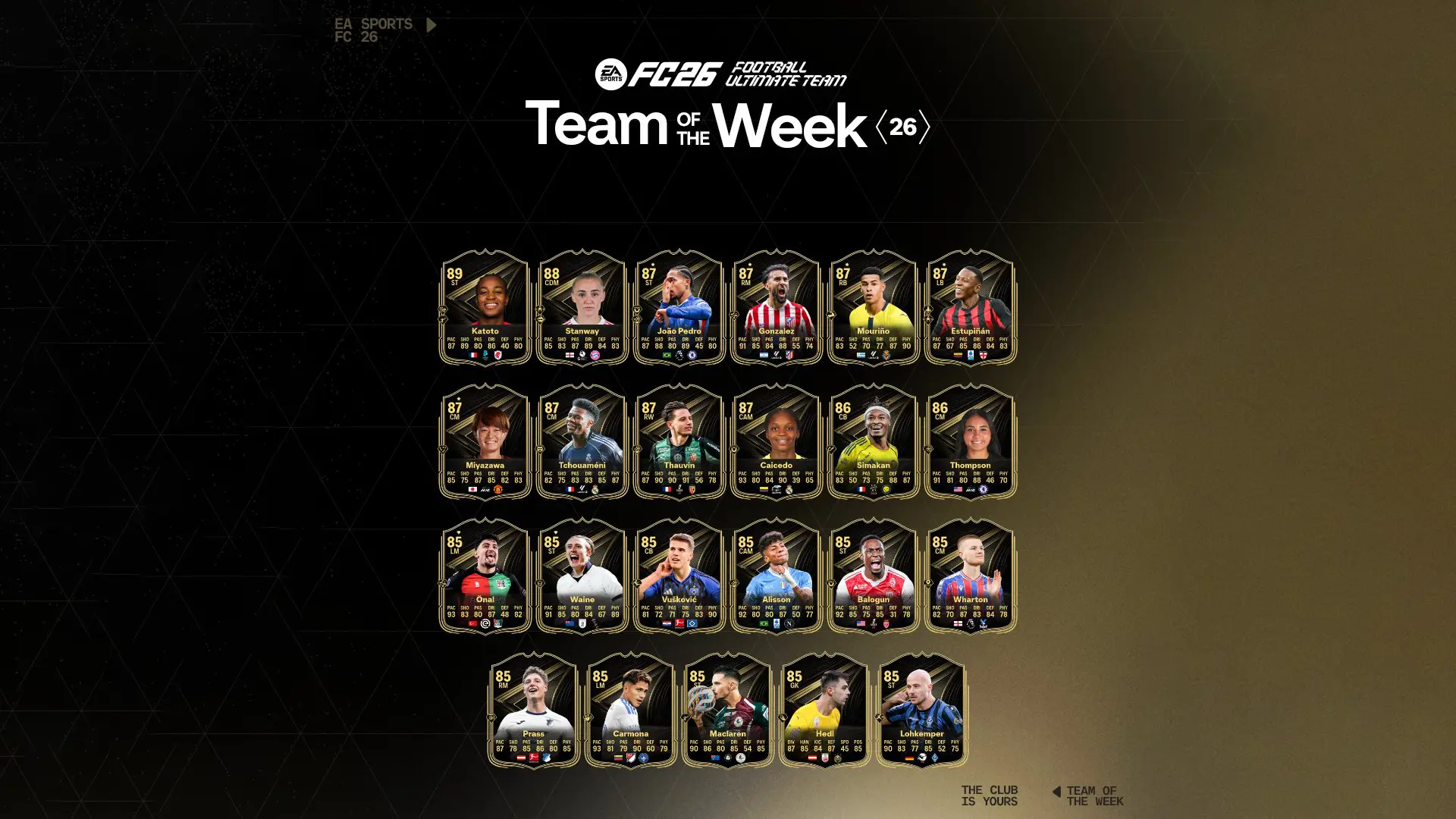
A FIFA Ultimate Team (FUT) squad needs players, so naturally the best way to improve your team is to get better players. Player items can be found in packs or traded individually on the FUT Transfer Market. You can also obtain a number of consumable and staff items that serve specific purposes for your squad, such as boosting chemistry or extending a player item’s number of remaining contracts.
Player Items
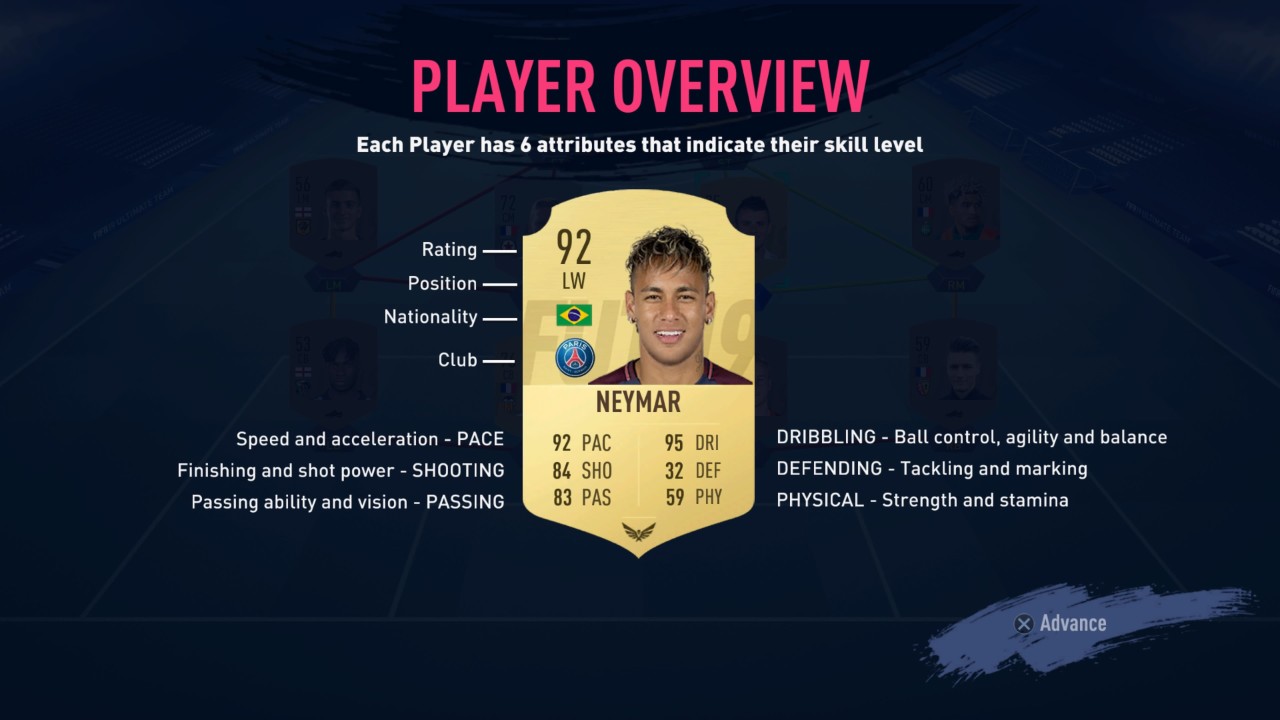
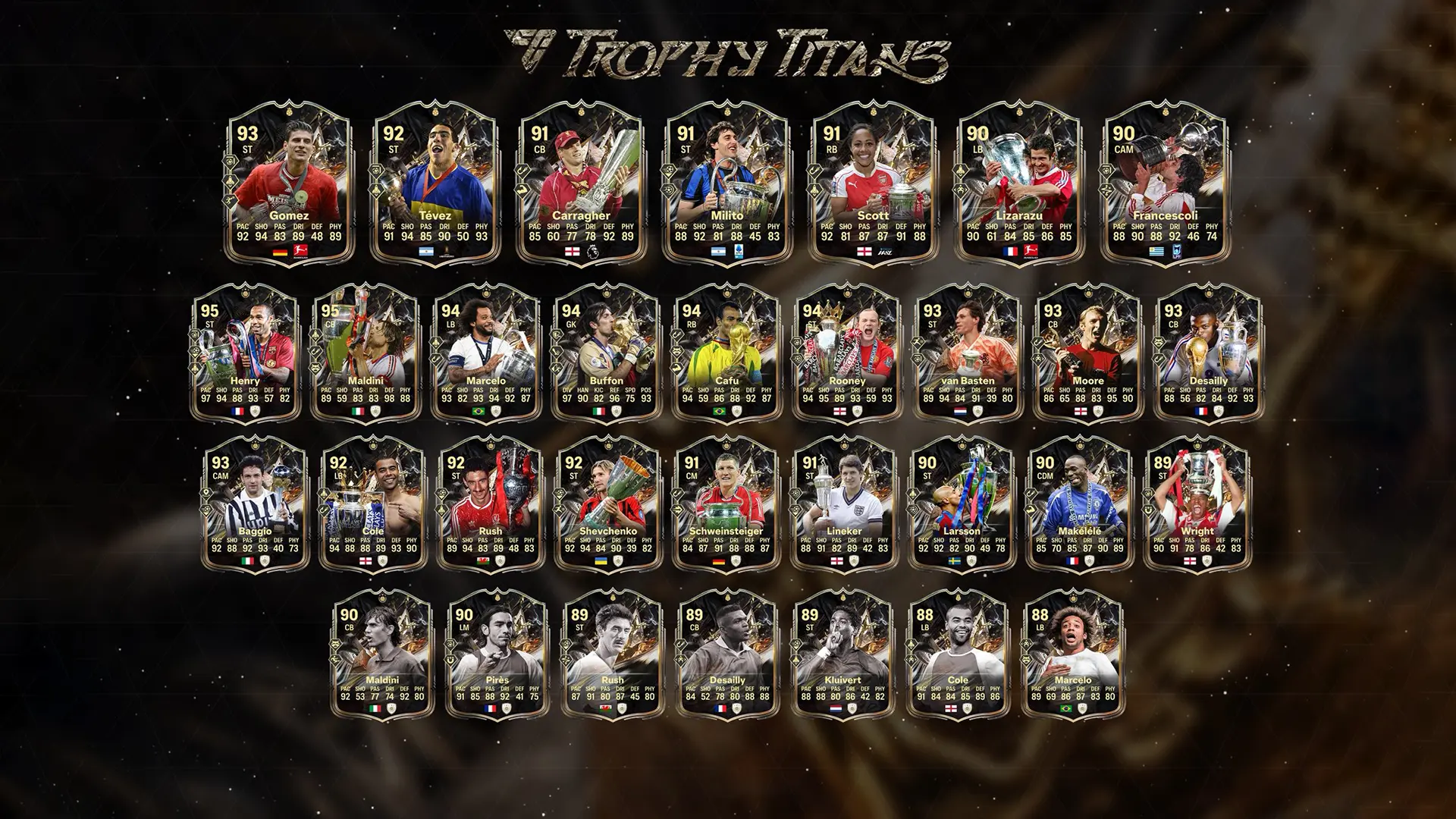
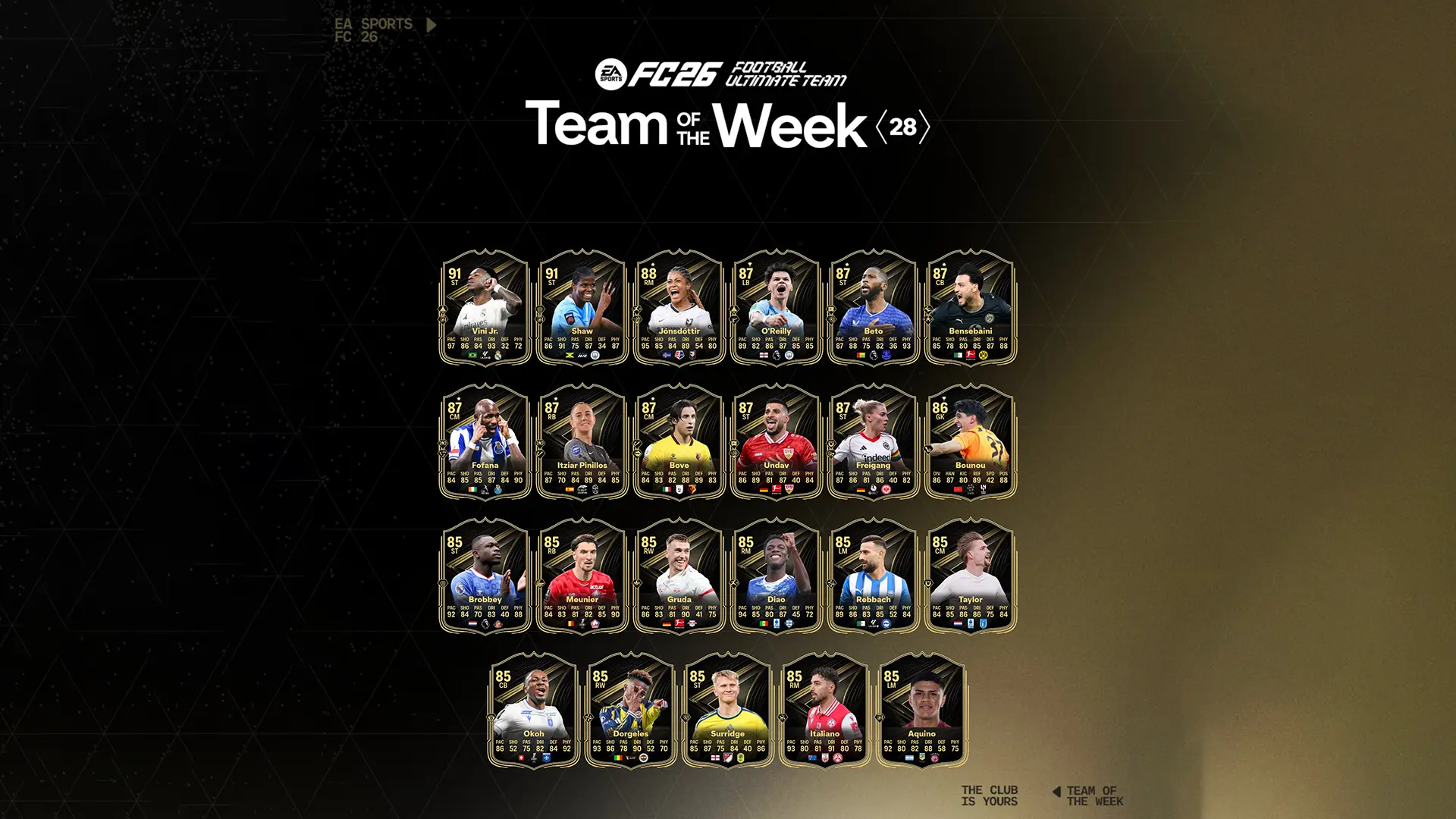
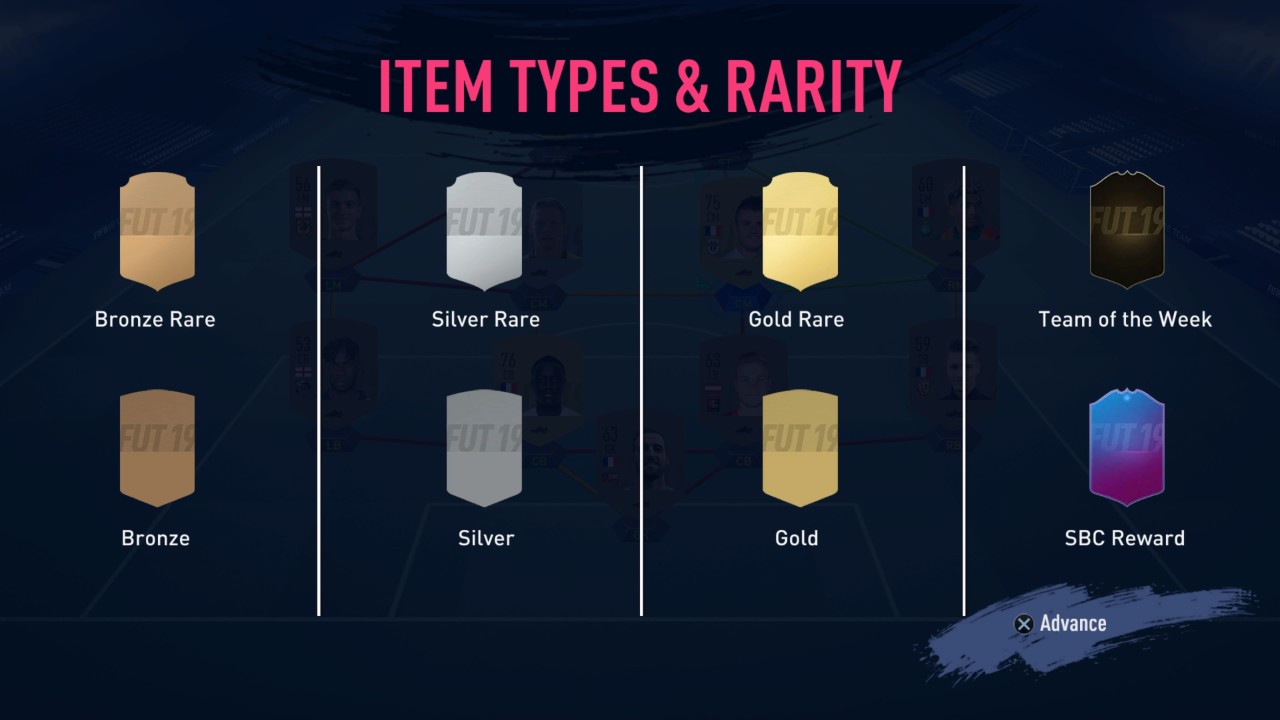
There are four main categories that FUT player items fall into: Bronze, Silver, Gold, and Special. The first three are also divided into subcategories: Common and Rare. Special player items are available in packs for a limited time during special events like Ones To Watch, Ultimate Scream, and more.
There are two ways to get player items: from packs or as individual items. Packs can be bought from the Store using in-game FUT currency, or earned as rewards through gameplay and activities like Objectives, Squad Building Challenges (SBCs), Squad Battles, and others. Individual player items are most commonly traded on the FUT Transfer Market, but they can also be obtained as rewards for SBCs and completing chapters of The Journey: Hunter Returns story mode.
Packs
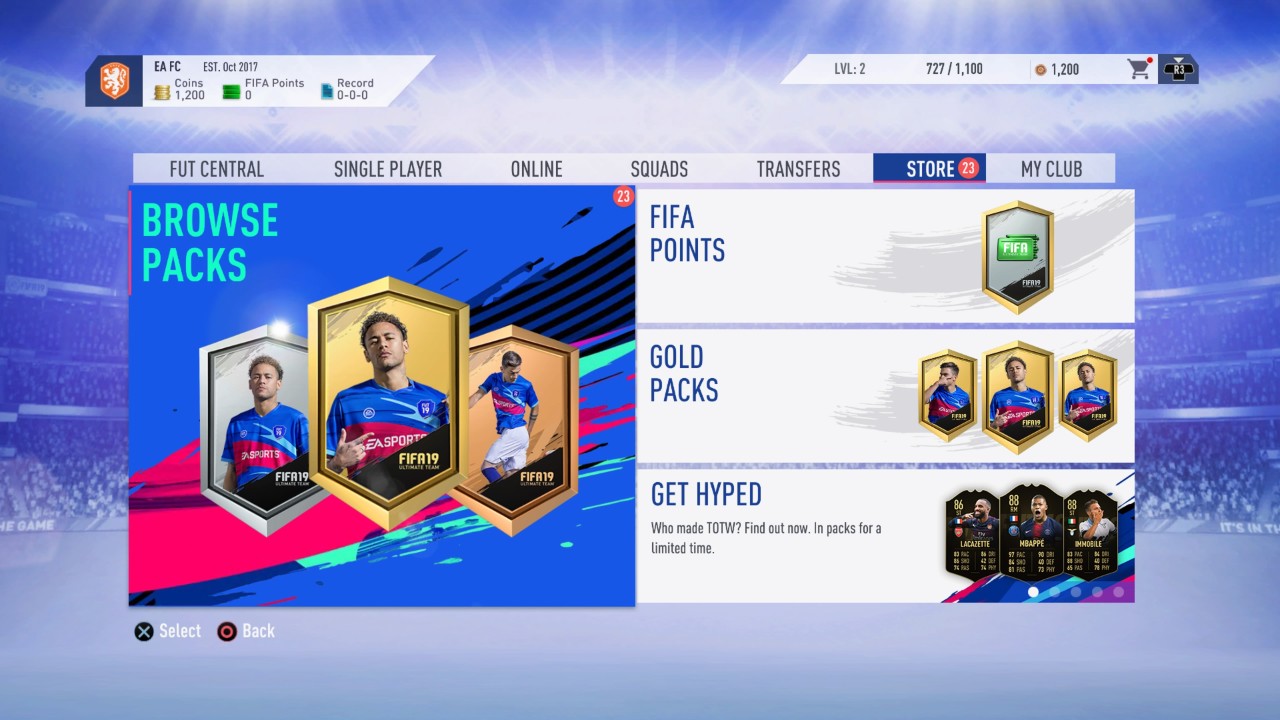
Opening packs is the most common way of obtaining new player items for your FUT squad, and there are many different kinds of packs that you can buy and earn as rewards. The standard pack levels are Gold, Silver, and Bronze, but there are also a number of promotional packs that will be available for limited times. Packs contain a variety of items, including players, club items, staff, and consumables. Sometimes a pack will have just a single type of item in it, usually noted in the name (i.e. Silver Players Pack will have only silver player items in it). You can obtain packs in a few different ways:
- Store: You can purchase standard packs at any time with FUT Coins or FIFA Points in the Store, as well as promotional packs when they’re available
- Daily/Weekly Objectives: The rewards for completing daily and weekly FUT objectives varies, but sometimes you’ll earn a pack or two
- Squad Building Challenges: Many SBCs reward you with either a standard or promotional pack for completion
- FUT Draft rewards: Depending on how many wins you get in your Draft run, you could earn one or more packs along with other rewards.
Coins and FIFA Points
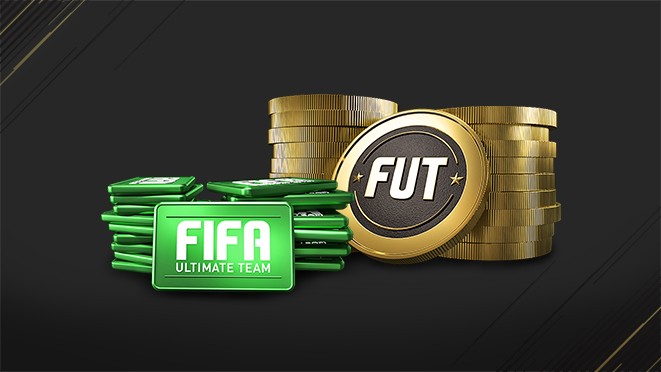
FUT credits are the main currency of Ultimate Team and you receive it with almost every game activity. Get FUT credits by playing games, completing SCRs and selling items on the market. These are the only ways to get FUT credits, which can NOT be purchased. Find out more here. FIFA Points can be purchased directly on your console or from authorized dealers.
FUT Transfer Market
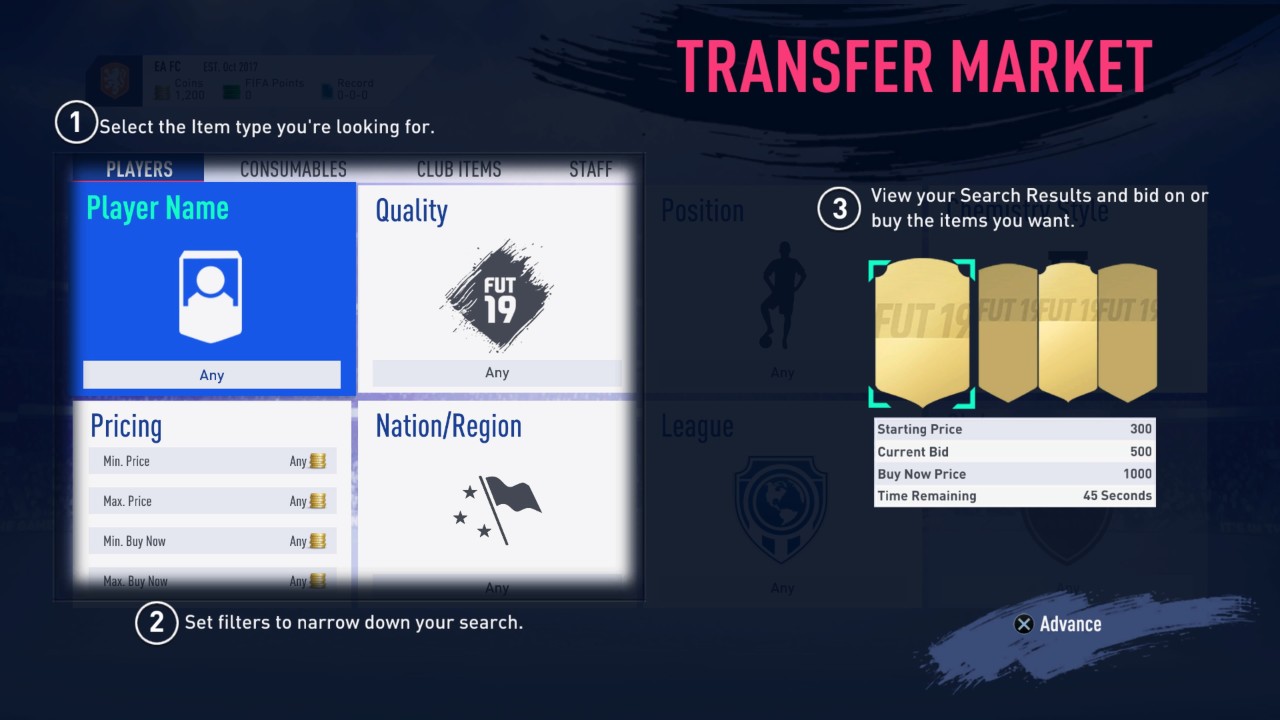
This is your one-stop shop not just for individual player items, but all sorts of FUT items, including consumables, staff, and club items. Because the transfer market is completely player-driven, you can trade any item in your club not designated untradeable. FUT Coins are the only in-game currency used on the Transfer Market, and each transaction costs 5% of the total sale price.
Buying
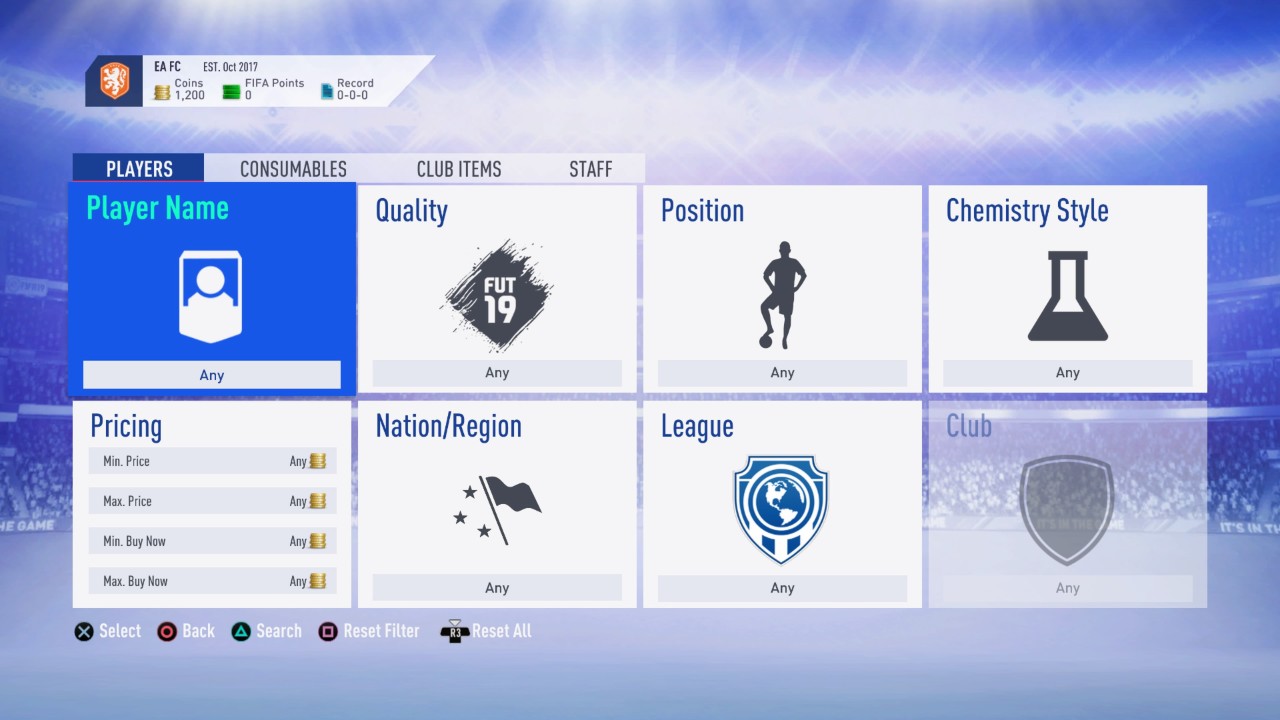
To buy a FUT item with Coins, you can search items by name or by various categories from the main Transfer Market section. For player items, the categories are quality, position, chemistry style, nationality, league, and club.
All items have two purchase options: bid and buy now. Every bid must be higher than the previous bid or starting price.
The “Transfer Targets” section of the Transfer Market shows all items that you’re actively bidding on, items you’re watching, items you’ve won, and items you bid on that expired.
Selling
To sell any FUT item on the Transfer Market, select “List on Transfer Market” from the item’s menu. Choose a “Start Price” and “Buy Now Price” for your item (all items have a minimum for both) as well as a duration for however long you want the item to be available on the market. If you’re having trouble coming up with prices for the item, select “Compare Price” to get an idea of how much the item is being listed for on the market.
The “Transfer List” section of the Transfer Market lets you see which items you have successfully or unsuccessfully sold, which items you have sent to the list but have not placed on the market yet, and which items are currently up for sale on the market.
Adding New Players to Your Squad
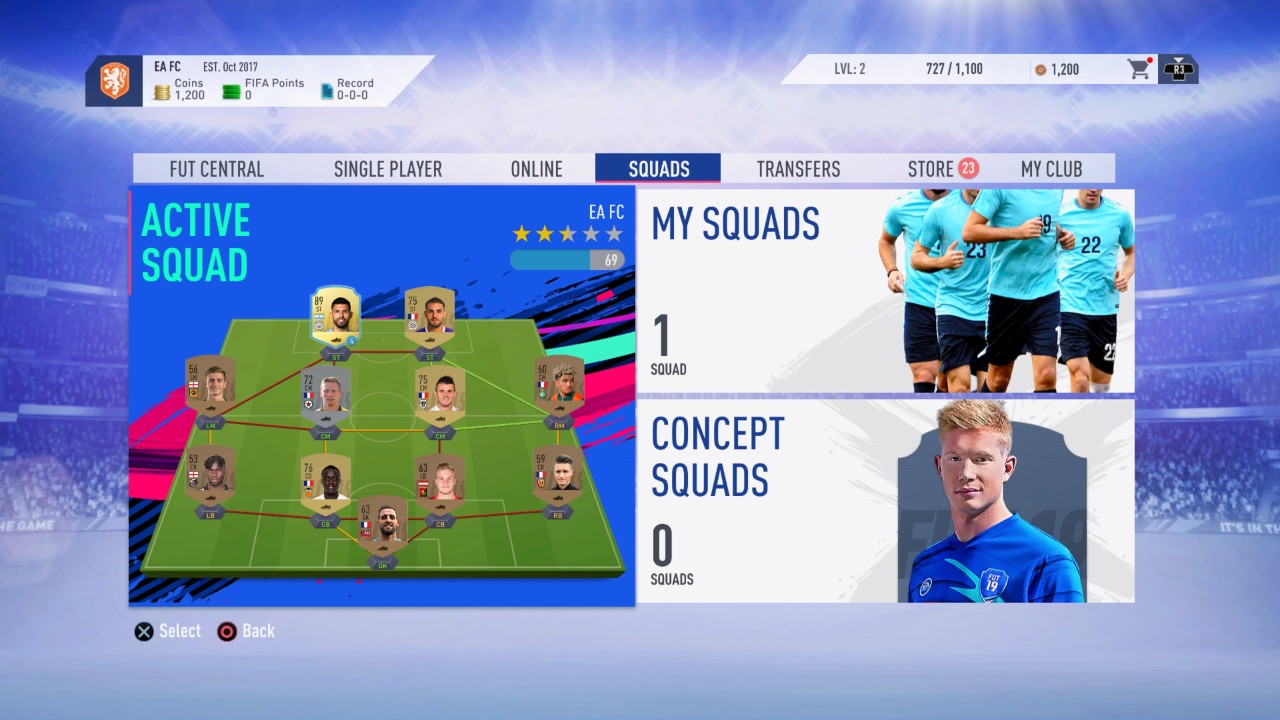
After you obtain new player items, it’s time to incorporate them into your FUT squad. The key numbers used to describe a FUT squad are ratings (out of five stars) and chemistry (out of 100), and you should be mindful of both when setting up and improving your team.
Your team’s rating is based on the average rating of each individual player in the starting XI. Rating effects the actual quality of your squad as a whole, and it’s also used to match you with teams of a similar rating in online modes.
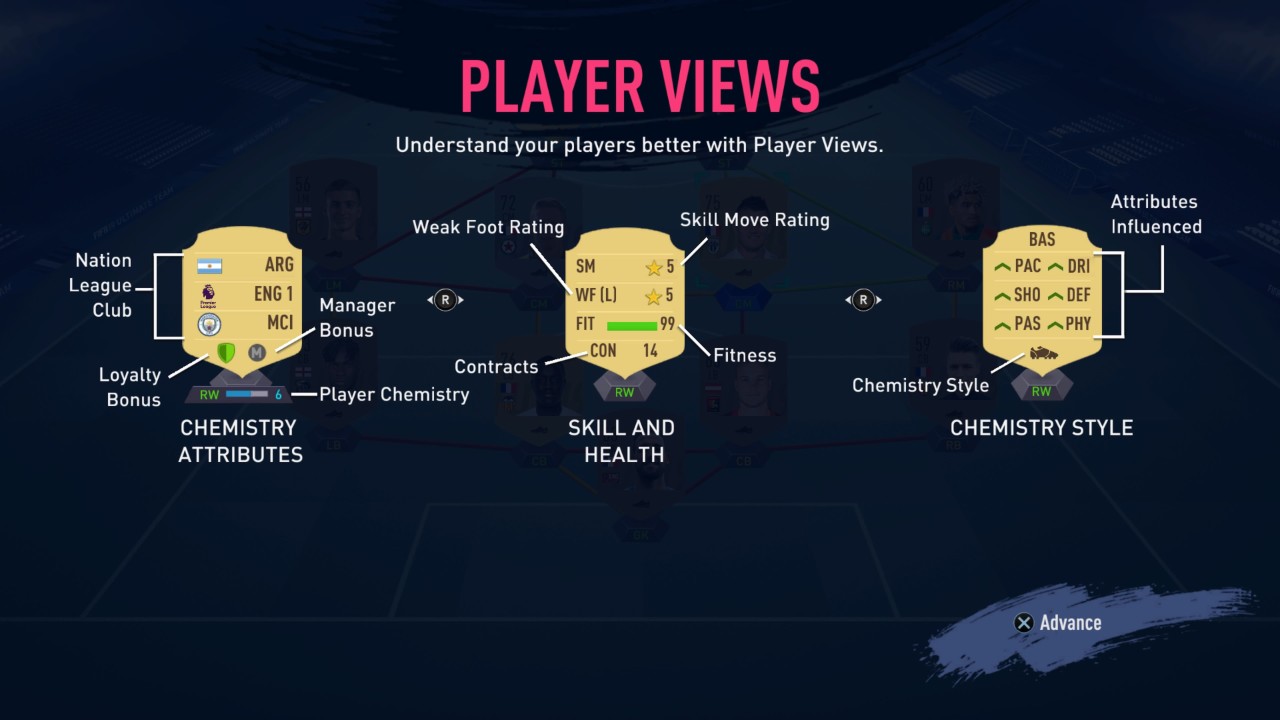
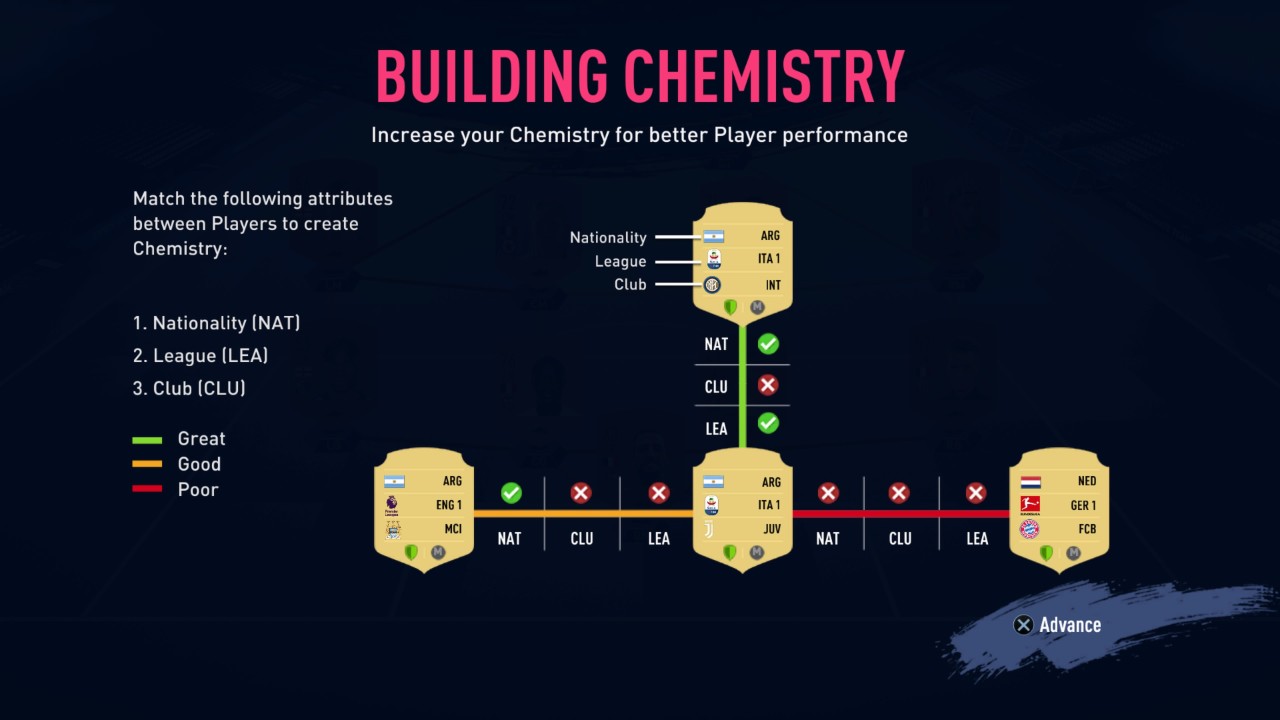
Chemistry, on the other hand, is based less on how the player plays on the field and more about a selection of the item’s attributes. A player item’s chemistry, which contributes to the overall chemistry of the team, is based on the player’s league, club, and nationality. There are three types of chemistry links between player items: green/great (two shared attributes), orange/good (one shared attribute), red/poor (zero shared attributes). Note that the position listed on a player item (which can be altered in some ways with a consumable position change item) also contributes to the player’s individual chemistry and the team’s overall chemistry, but it doesn’t affect the links between two players.