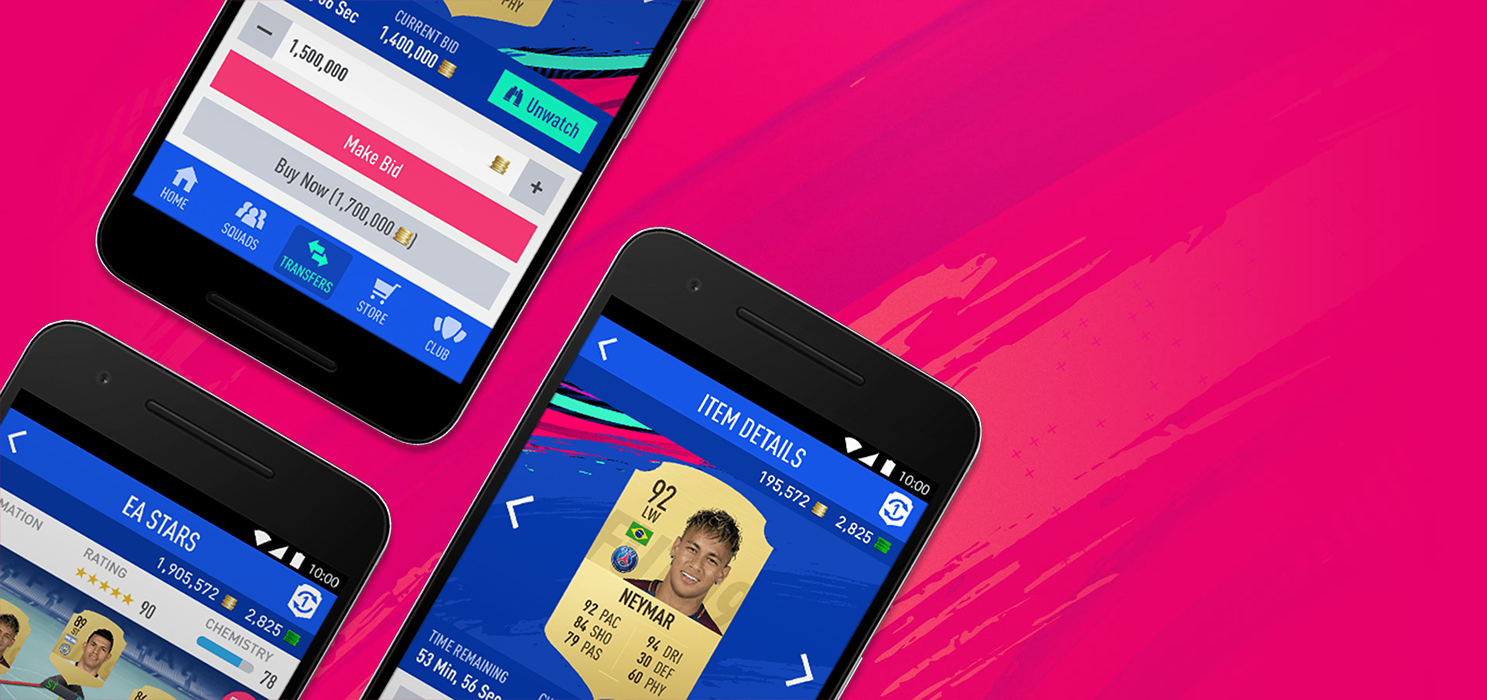
The latest update for FIFA 19 Companions is now available.
Made the following changes in FUT Web App and FIFA 19 Companion App:
– You will now be able to redeem your FUT Champions Points for access to the FUT Champions Weekend League from FUT Web and the FIFA 19 Companion App.
– A FUT Champions Weekend League tile, which displays your current FUT Champions Point totals, can be found on the bottom of the Home page.
– When you have enough FUT Champions Points to redeem for entry into the FUT Champions Weekend League, the option to redeem them will be available.
– You must redeem your FUT Champions Points before the start of the FUT Champions Weekend League in order to get access, same as redeeming it in game.
– The Search filters on the Transfer Market Search filters screen has been modified to display the filters in 2 columns of 3 instead of a single column.
– A FUT Champions Weekend League tile, which displays your current FUT Champions Point totals, can be found on the bottom of the Home page.
– When you have enough FUT Champions Points to redeem for entry into the FUT Champions Weekend League, the option to redeem them will be available.
– You must redeem your FUT Champions Points before the start of the FUT Champions Weekend League in order to get access, same as redeeming it in game.
– The Search filters on the Transfer Market Search filters screen has been modified to display the filters in 2 columns of 3 instead of a single column.
Addressed the following issues for FUT Web App and FIFA 19 Companion App:
– The Fitness and Healing Item stats were overlapped when comparing prices.
– The Upgrade SBC tile was not correctly displaying the timer.
– When using Compare Price on a Player Item on the Squad screen, if you select the last player on the list, and then press the right arrow, your Player Item would be displayed.
– The Chemistry Style icon was off center when viewing a Player Item in the Club or Squad screens while in Item view 4.
– Removed a stripe that was being displayed on certain Team Of The Week (TOTW) Concept Items.
– When replacing a Player Item with a Concept Item of a different version of the same player that you own, it was replacing the Concept Item with the original Player Item, not the Player Item that matched the Concept Item.
– The Buy Now and Bid options became unavailable after dismissing the “Items in Unassigned” pop-up warning.
– Concept Players did not have the “Search On Transfer Market” option.
– Sometimes sending an Unassigned Items to your Club, Transfer List or Active squad was not actually moving the item.
Addressed the following issues for FUT Web App:
– Expired Items were still sometimes being marked as Active on the Transfer Targets screen.
– The UI was forcing the users to scroll too much in Search Results screens.
– An incorrect error message was showing up when resizing the browser window.
Addressed the following issues for FIFA 19 Companion App – iOS:
– Sold Items were not being removed from the FUT Transfer Market Transfer List when removing them individually.
Thanks to those who’ve provided feedback. Throughout the course of the FIFA 19 season we’ll provide you with more information and updates if and when they become available.
Potrebbero Interessarti

FIFA 19 is available on September 28, 2018 on PlayStation 4, Xbox One, PC, Nintendo Switch. Keep on following us also through our social Facebook and Twitter for other news and information.