EA Sports, through the official website, has disclosed the guide to be able to connect EA Sports accounts and Twitch accounts. Watch FIFA on Twitch. Get rewards.
By linking the two accounts you can redeem rewards that the Canadian software house will distribute during the events of the new season of FIFA 22.
HOW CAN I GET REWARDS?
First link your Twitch account to your EA Account.
Then, watch the official EA Twitch stream during eligible EA SPORTS FIFA events. You’ll get the chance to get untradeable rewards in FUT with Twitch Drops.
Here’s what you need to know:
- Your Twitch and EA Account need to be linked while you’re watching the streams.
- You need to have a FUT account in FIFA 22.
- Twitch Drops are available for PlayStation, Xbox, and PC.
- You can only claim the reward on one platform, so after you claim the reward, make sure you log in to the platform you want the reward on.
- During streams where Drops are enabled, you’ll be able to earn and claim rewards based on how long you watch the stream.
- Once you claim your reward on Twitch, you’ll get the reward on your linked account the next time you log into FUT.
- You can only claim the reward on one FUT Club, so after you claim the reward, make sure you log in with the one you want the reward on.
FIFA 22: FGS Tokens and Swaps return – Earn up to five Live Viewership Rewards per event
Potrebbero Interessarti

HOW DO I LINK MY ACCOUNTS?
If you’ve already linked your EA Account to Twitch, you’re already set up.
If you get an error when you’re trying to link your accounts, check to see which EA Account you’re using. Make sure you’re signing in with the right email and password, too.
- Make sure your Gamertag or PSN ID is linked to your EA Account.
- Already connected but not sure what accounts are linked? Find out which account by following these steps.
- Go to Twitch and sign in or create an account.
- Make sure you’re logging into the Twitch account where you want to watch the streams and get rewards.
- Enter your EA Account info on the Connect with Twitch screen and click Next.
- Enter your security code and click Log In.
- If you set up App Authenticator, we’ll send your security code to your phone.
- If you haven’t set it up, you’ll get your code in your email.
- Click the Yes, link them button to link your EA and Twitch accounts.
- You’ll get a notification that you’ve successfully linked.
- Check your Connections in your Twitch Settings. You should see Electronic Arts listed under Other Connections.
I NEED TO UNLINK MY ACCOUNTS
Did you link the wrong EA Account to your Twitch account? Disconnecting Electronic Arts from your Twitch account in your Twitch Settings won’t unlink your accounts.
- Log into your account on ea.com and go to your profile page. Choose the Connections tab, then delink the Amazon profile.
- Click Contact Us at the top of help.ea.com.
- Choose FIFA 22 as your game.
- Pick the platform you play on.
- Click Twitch for the topic.
- Click Account link issue for the issue.
- You’ll be taken to a page with the message: Click here if you need to unlink your EA Account from your Twitch account.
Once you’ve unlinked your EA Account from your Twitch account, you’ll need to remove your accounts from Twitch, too.
- Go to twitch.tv.
- Go to your Settings.
- Click Connections.
- Scroll down to Other Connections.
- Click Disconnect next to Electronic Arts.
Now that you’ve unlinked your accounts from both ends, you can relink your Twitch account to the right EA Account to start getting your rewards.
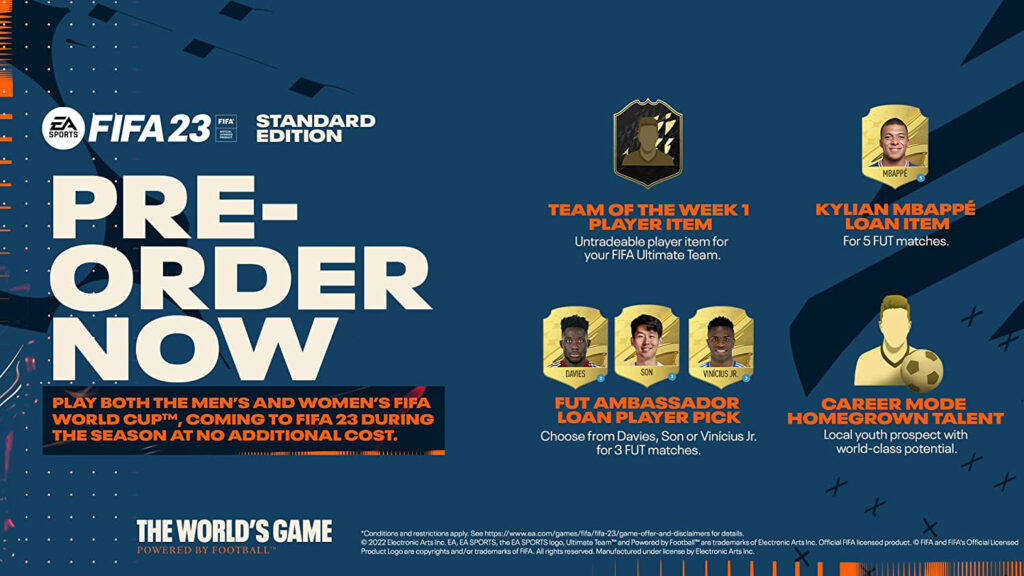
FIFA 22 is available from October 1st on PlayStation 5, Xbox Series X, PlayStation 4, Xbox One, PC, Steam and Nintendo Switch. Keep on following us also through our social Facebook, Twitter and Instagram for other news and information.