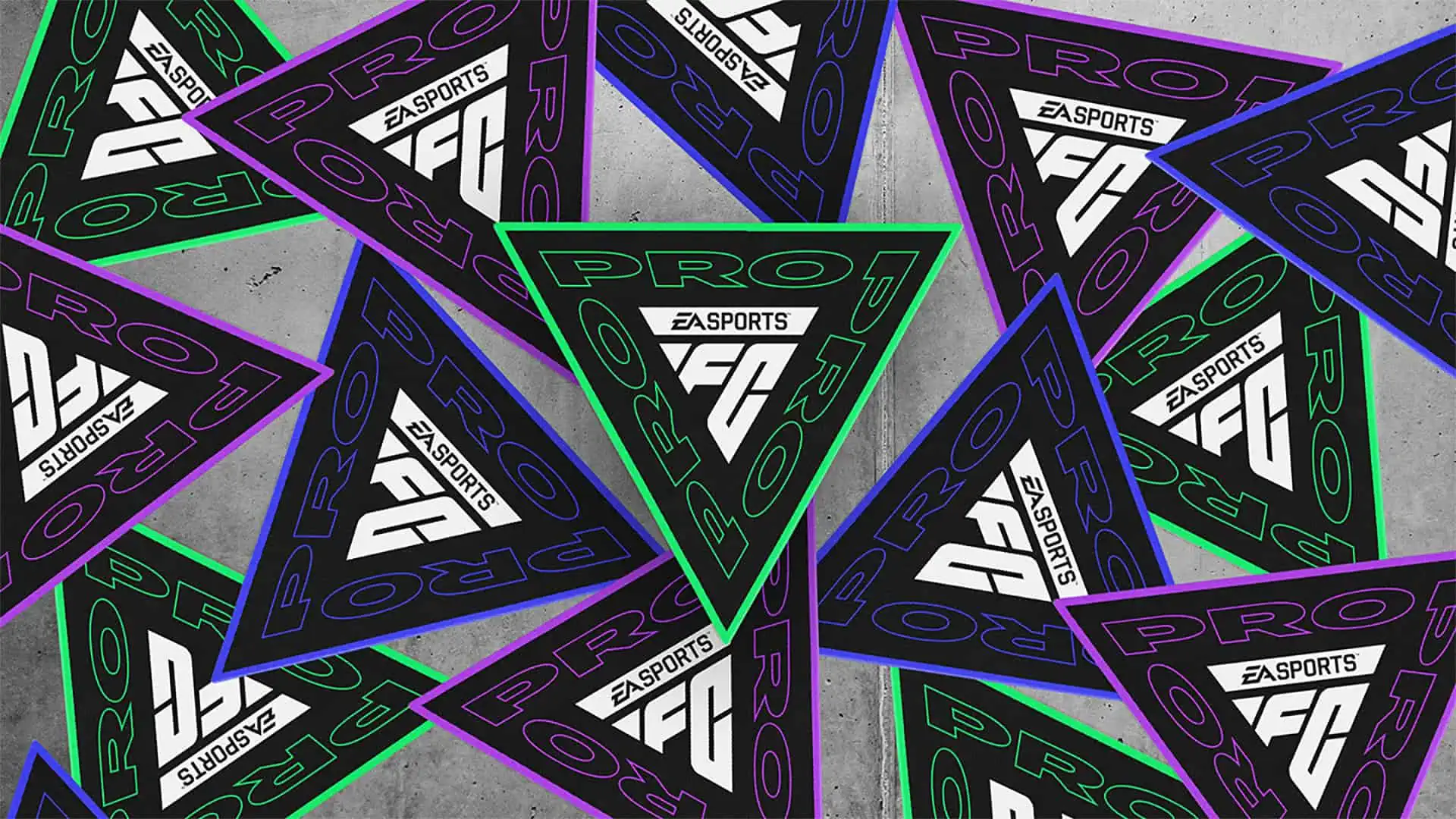
EA Sports has announced that the FC PRO Season 2 Objective is now available in FC 24 Ultimate Team starting from November 25th at 6 PM BST.
Get ready for an electrifying Esports experience as Season 2 of FC Pro kicks off covering the FC Pro Open Global Qualifier!
Engage with the broadcasts to earn viewership rewards and show off your competitive skills in-game to complete the Season. Don’t miss the chance to witness the world’s top players competing for one of 20 spots in FC Pro Open and a piece of the $1M USD prize pool. Who will make history as the first EA SPORTS FC champion?
Viewership rewards can now be found in FC Pro Seasons as an Objective. You can watch FC PRO Broadcasts on Twitch/EASPORTSFC or Youtube/EASPORTSFCPRO.
Join in on the action of the FC Pro Open 24 Global Qualifier to complete FC PRO Season 2 and earn your viewership rewards! All rewards are untradeable.
Expires on December 9, 2023
The FC PRO Season 2 is available for 14 days and will expire at 6 PM on December 9.
Potrebbero Interessarti

Requirements Objective FC PRO Season 2
Here’s how to complete the FC PRO Season 2 objectives:
- FC PRO Open Day 1: Watch FC PRO Open Day 1 broadcast for at least 15 minutes. Broadcasts will go live on 11/27/2023 at 18:00 UTC/ 13:00 EST/ 10:00 PST.
- FC PRO Open Day 1: Watch FC PRO Open Day 1 broadcast for at least 60 minutes. Broadcasts will go live on 11/27/2023 at 18:00 UTC/ 13:00 EST/ 10:00 PST.
- FC PRO Open Day 2: Watch FC PRO Open Day 2 broadcast for at least 15 minutes. Broadcasts will go live on 12/04/2023 at 18:00 UTC/ 13:00 EST/ 10:00 PST.
- FC PRO Open Day 2: Watch FC PRO Open Day 2 broadcast for at least 60 minutes. Broadcasts will go live on 12/04/2023 at 18:00 UTC/ 13:00 EST/ 10:00 PST.
- Play Like a PRO!: Win 10 games in Rivals or Champions.
How to link EA Account to Twitch and Youtube
How to Earn Viewership Rewards To earn viewership rewards, you will need to link your twitch or YouTube account to your EA account, watch one of the eligible FC Pro broadcasts and claim the reward on your viewing platform.
Twitch
- Link your Twitch and EA accounts on https://ea.com/twitchlinking. Age restrictions apply. See Twitch Terms of Service for details.
- Watch 15, 60 or 90 minutes of eligible events to earn the associated reward Claim the reward on twitch
- Receive your in-game rewards, through completion of the in-game objective, within 24 hours after claiming the reward on Twitch
- See twitch support for more information: How to Earn Drops
YouTube
- Go to the Connected Apps page on YouTube Settings.
- Link your EA Account by clicking Connect next to Electronic Arts.
- You’ll be asked if you want to allow Electronic Arts to Connect accounts and watch approved events and videos for a chance to win in-game rewards. Click Connect.
- Confirm your EA Account. If it’s not the right account, click Not your account? to switch to the right one.
- Click Continue. If you have Login Verification turned on, you’ll be asked to verify your identity.
- Click Link Accounts.
- Click Return to YouTube.
- Watch an eligible events to earn the associated reward
- Receive your in-game rewards, through completion of the in-game objective, within 24 hours after claiming the reward on YouTube
- See EA support for more information: How to link your EA Account to YouTube
FAQ
(Q) How do I claim a reward on Twitch?
While watching on twitch, you can check your progress towards Drops any time by viewing the Drops Inventory page. When you have reached 100% progress for the active Drop within a campaign, you will receive a claim notification at the top of the Twitch navigation. If you are unable to claim the Drop in time, you will be able to claim it from the Drops Inventory page until 24 hours after the Drops campaign has ended. For more information on how to claim your drop, please review this Twitch help article: How to Earn Drops
Q)How do I claim a reward on YouTube?
In general, drops on YouTube do not need to be claimed. Once you complete the watch time requirements, you will receive your in-game rewards, through completion of the in-game objective, within 24 hours after claiming the reward on YouTube . For more information on how to claim your drop, please review this help article: How to link your EA Account to YouTube
(Q) If I link my EA and Twitch account and I watch for the right amount of minutes, will I get the token? Or will you give them only to select viewers?
If you link your EA and Twitch accounts, you watch for the designated amount of time during an eligible event, and you claim your rewards through the rewards system, you will receive the rewards.
(Q) How can I link my EA and Twitch accounts?
Go to https://ea.com/twitchlinking to link your EA and Twitch accounts
(Q) How can I link my EA and YouTube accounts?
Go to How to link your EA Account to YouTube for instructions to link your EA and YouTube accounts
(Q) I linked my accounts in the past. Do I need to do it again?
If you have not used your Twitch account in the last six months, you will need to relink your account. You can always confirm your Twitch and EA accounts are linked by going to https://ea.com/twitchlinking.
(Q) If I have multiple platforms linked to my EA account, which platform will receive my viewership rewards on?
Your viewership rewards will be awarded on the FUT account associated with the first platform you log into after claiming the reward on Twitch or YouTube. Eligible events, dates and broadcast channels are subject to change, eligible events will be communicated on https://twitter.com/easportsfcpro
(Q) When and how will I receive my viewership awards in my account?
It can take up to 24 hours after you redeem the viewership rewards for the award to be reflected in your account. Earning viewership rewards will complete the associated objective in Ultimate Team, where you can then claim your reward.
EA SPORTS FC 24 is available on PlayStation 5, Xbox Series X, PlayStation 4, Xbox One, PC, Nintendo Switch and Steam. Keep on following us also through our social Facebook, Twitter and Instagram for other news and Promo.