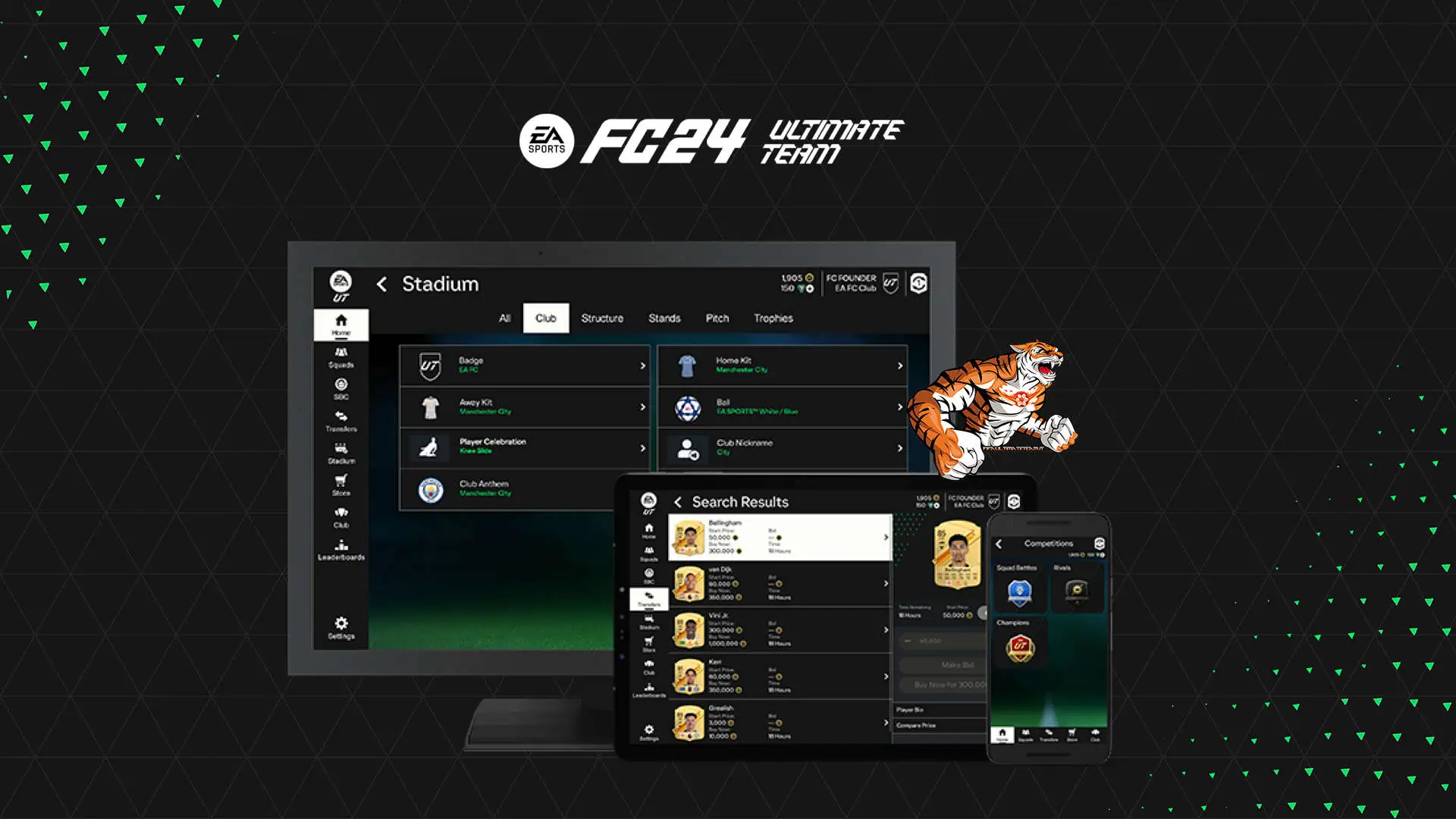
EA Sports has released a guide on how to access the Transfer Market through the Web App or Companion App even if you don’t yet own the game. Additionally, it provides instructions on what to do if you don’t have access to the Transfer Market or if you’ve been banned.
To help keep EA SPORTS FC Ultimate Team a safe experience for all players, play by the EAS FC rules to unlock the Transfer Market.
We know that earning access to the Transfer Market is important to you. So here’s what you need to know about unlocking access.
How to get Transfer Market Access
The only way to gain access is by playing the game. Our advisors can’t grant access to the EAS FC Transfer Market, nor can they tell you when you’ll get access.
If you don’t have automatic access to the Transfer Market in the Web or Companion app, you’ll need to earn access in-game.
How long does it take to get access?
How long it takes to unlock the Transfer Market is based on a few different factors.
Potrebbero Interessarti

- Your account history and if it’s in good standing by following the EAS FC rules.
- How many different Ultimate Team accounts you’re using on the same device.
- How many active days of Ultimate Team™ you’ve played.
- An active day is when you’ve played three full matches in Ultimate Team and logged into the Web or Companion App within a calendar day, following UTC timezones, per Ultimate Team account.
Playing more than three matches per day won’t increase your chances of unlocking the Transfer Market.
Below are some examples of how many active days of playing it takes to get access to the Transfer Market.
- For an Ultimate Team account that’s in good standing, and is the only account that’s been created on or logged into from a device, playing two active days would normally earn you access.
- For an Ultimate Team account in good standing that’s not the only Ultimate Team™ account that’s been created on or logged into from a device, it would take at least four active days to earn access. Depending on the number of Ultimate Team™ accounts used on a device, it could take longer.
- If you share your device with siblings or friends who also play Ultimate Team™, it may take more time to gain access on each Ultimate Team™ account.
How will I know when I’ve earned access?
We’ll send a message to your Ultimate Team account in-game to let you know when you’ve unlocked access. You can also check the Web and Companion App.
Transfer Market blocked on Web and Companion Apps
In-app message that reads: Your account has been blocked from using the Transfer Market on the Web and Companion apps due to breaking our rules. Although you can’t access the Football Ultimate Team™ Transfer Market on Web and Companion Apps for the current FC title, you can still use the in-game Transfer Market. Check the email associated with your EA Account for more information.
If you get this message, your account has been blocked from the Transfer Market on the EAS FC Web and Companion Apps for breaking our rules. You should still be able to use the Transfer Market in-game from your PC or console.
When you break the rules, we’ll send more information to the email address that’s tied to your EA Account. Don’t see one? Check your junk or spam folders, too.
Fully blocked from Transfer Market
In app message that reads: Your account has been blocked from using the Transfer Market due to breaking our rules. Check the email associated with your EA Account for more information.
This message means that your account has been blocked from the Transfer Market both in-game and on the Web and Companion Apps for breaking our rules.
Can I get unbanned from the Transfer Market?
If you get a block or ban on your account, we’ll send you an email that explains why. We take these measures to ensure our communities remain positive, fun, fair, and safe for all.
What if I was banned from the Transfer Market in EA SPORTS FIFA 23?
Transfer Market bans won’t roll over from EA SPORTS FIFA 23 to EAS FC 24, but you’ll need to earn access to the Market when playing EAS FC for the first time.
If you have a franchise ban from the EA SPORTS FIFA franchise, this will carry over to EAS FC and affect your ability to access the Transfer Market.
EA SPORTS FC 24 is available on PlayStation 5, Xbox Series X, PlayStation 4, Xbox One, PC, Nintendo Switch and Steam. Keep on following us also through our social Facebook, Twitter and Instagram for other news and Promo.