
As has been the case for several years now, Electronic Arts is once again expected to allow players to transfer their FC Points from the popular Ultimate Team mode in EA FC 25 to the new football simulator, EA FC 26. Below, we explain step by step how to complete the transfer of your FC Points quickly and safely, without risking any mistakes.
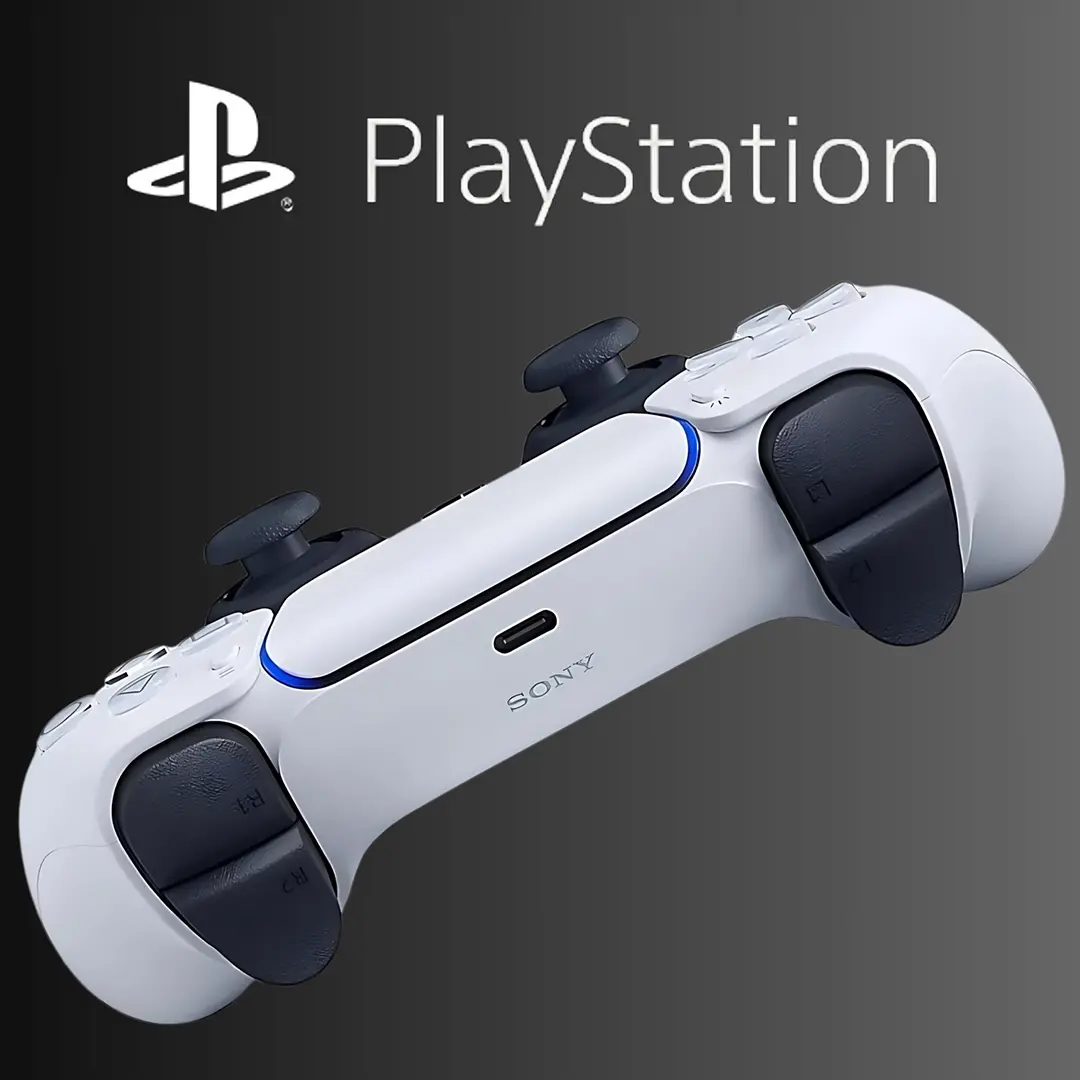
DualSense PlayStation 5
Acquista il controller wireless DualSense per console PS5 su Amazon con uno sconto del 13%.
The only way to transfer your FC Points into EA FC 26 is by logging into the game on console or PC and carrying out the transfer directly there. It is not possible to move FC Points via the Ultimate Team Web App or the Companion App.
Once your remaining FC Points have been transferred on console or PC, they will automatically be updated and available in the Web App and the Companion App for Ultimate Team as well.
The first time you log into Ultimate Team mode in EA FC 26, you will see a message offering you the chance to transfer your FC Points.
A few important things to keep in mind:
- You can only transfer FC Points from EA FC 25 to EA FC 26 if both games are played on platforms from the same manufacturer.
For example, you can transfer your FC Points if you play both editions on Xbox Series X/S. You can also move them across generations of the same console, such as from Xbox One to Xbox Series X/S. However, you cannot transfer your FC Points from EA FC 25 on Xbox Series X/S to EA FC 26 on PlayStation 5. - This process cannot be undone. Once your EA FC Points have been transferred, you will not be able to move them back into EA FC 25.
- What if you’re an EA Play subscriber? If you play EA FC 26 through EA Play and transfer your points, but later decide not to buy the full version of the game, you won’t be able to recover those points in EA FC 25.
Finally, don’t forget: on our pages you’ll also find a dedicated guide explaining how to unlock the transfer market in the Web App and Companion App, both of which will be released during September.
Potrebbero Interessarti

Among the 15 selected players receiving an Icon card are former Roma captain Francesco Totti, ex-Juventus defender Giorgio Chiellini, Swedish striker Zlatan Ibrahimović, and many other stars who have written unforgettable chapters in the history of the beautiful game.
If you’re interested in pre-ordering the Ultimate Edition of EA FC 26, you can find the full list of included content in the dedicated article on our website.
Stay tuned to our pages to make sure you don’t miss any updates about EA Sports FC 26. In the coming weeks, the Canadian software house will reveal all the official details about the new gameplay and the latest updates to the popular Ultimate Team, Career, and Volta Pro Clubs modes. We’ll also have our guides ready to help you get started.
EA Sports FC 26 is now available on PlayStation 5, Xbox Series X, PlayStation 4, Xbox One, PC, Steam, and Nintendo Switch. Follow us on our social media channels Facebook and Twitter, for more news.