
EA Sports has updated the Cross-Play modes on FC 24. Cross-Play is truly important because it allows players from different platforms to play together or against each other. Cross-Play has been confirmed only between Next-Gen and Old-Gen platforms. However, for the first time, Cross-Play will be available for the Club mode and, most importantly, Co-Op in Ultimate Team.
In EA SPORTS FC 24, cross-play is expanding into all multiplayer online modes. Players will now be able to team up with their cross-platform friends as well as play against mixed cross-platform teams across all modes where crossplay is available.
This will continue to be based on the players platform generation with:
- PlayStation 5, Xbox Series X|S, and PC versions being able to play cross-platform
- PlayStation 4 and Xbox One versions being able to play cross-platform
- Switch will be excluded from any cross-platform play.
We’re excited to announce that cross-play has expanded into the following modes in EA SPORTS FC 24:
- Clubs
- Co-Op Season
- VOLTA FOOTBALL (Arcade, Squads)
- Ultimate Team™ Co-Op (Squad Battles, Rivals, Friendlies)
And cross-play will continue to be available in the following modes:
Potrebbero Interessarti

- Ultimate Team (Rivals, Champions, Online Draft, Online Friendlies, Play a Friend)
- Online Friendlies
- Online Seasons
When entering EA SPORTS FC 24 for the first time cross-play will be enabled by default, unless otherwise prohibited by your personal settings.
EA Social will continue to be the main social hub where you will be able to manage game invites and your friends across platforms.
- To send game invites, this will be the same as last year:
- You will interact with the full EA Social view in Clubs and Volta Football to invite your friends
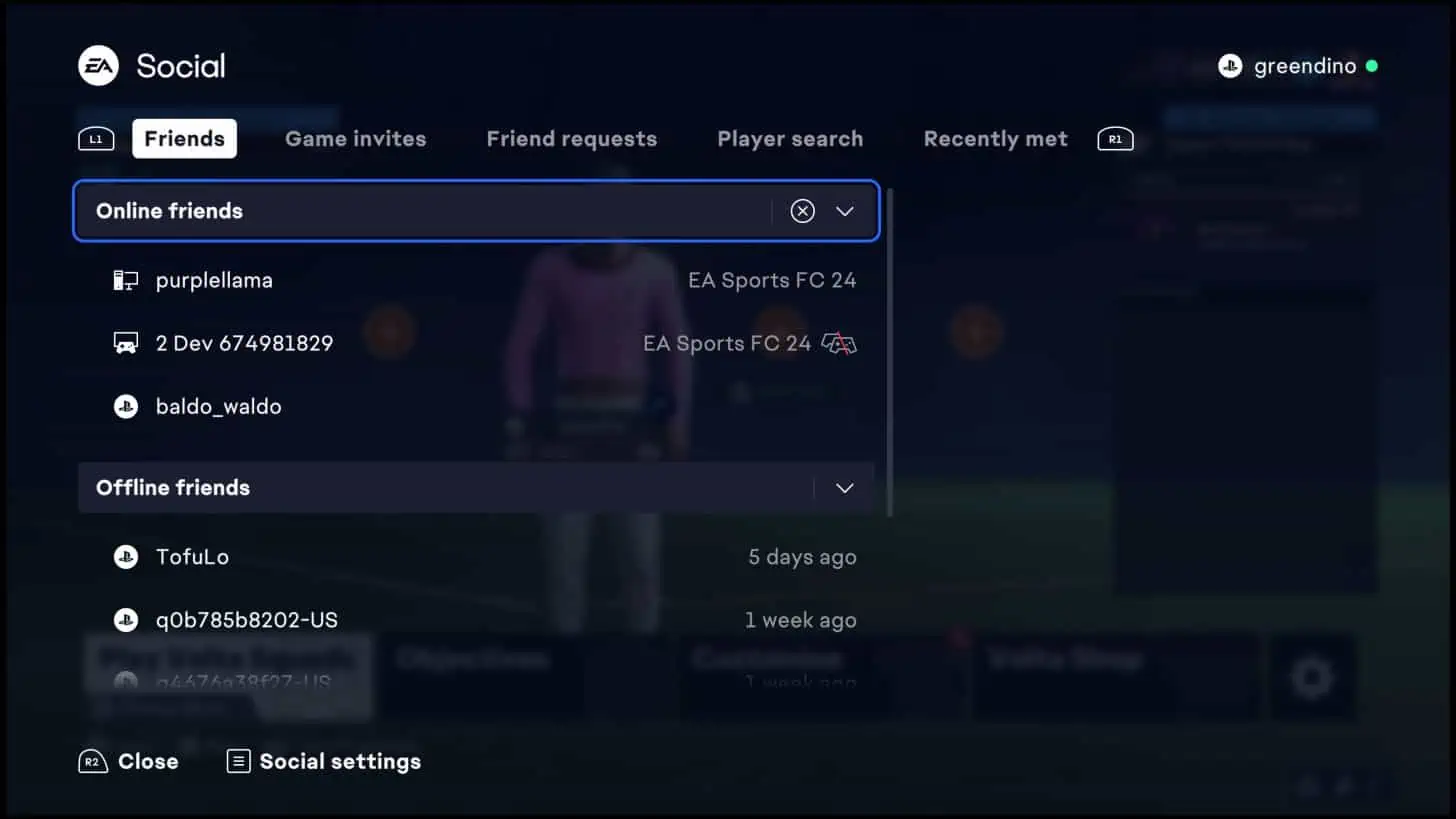
- You will use a simplified version in all other modes
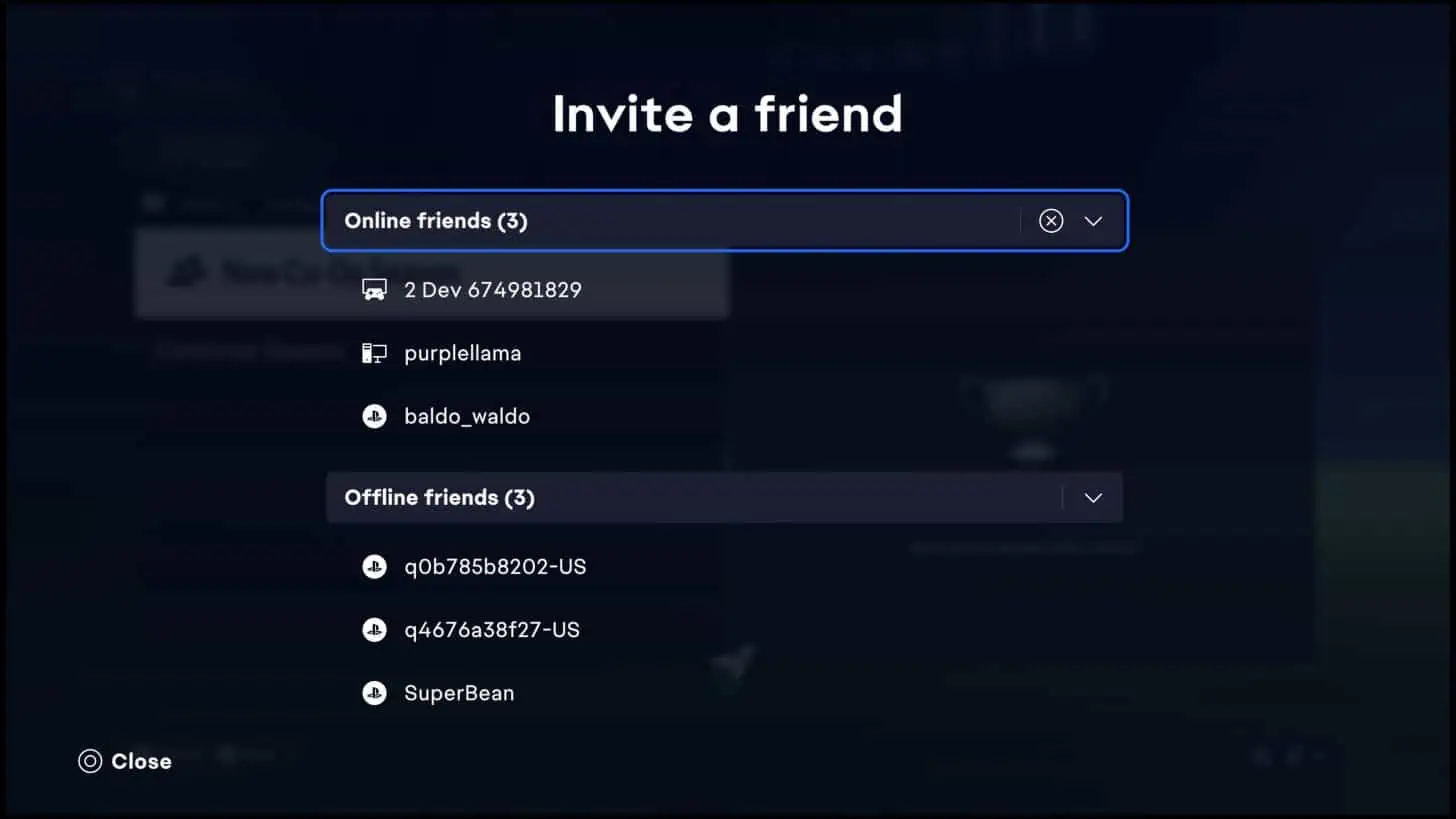
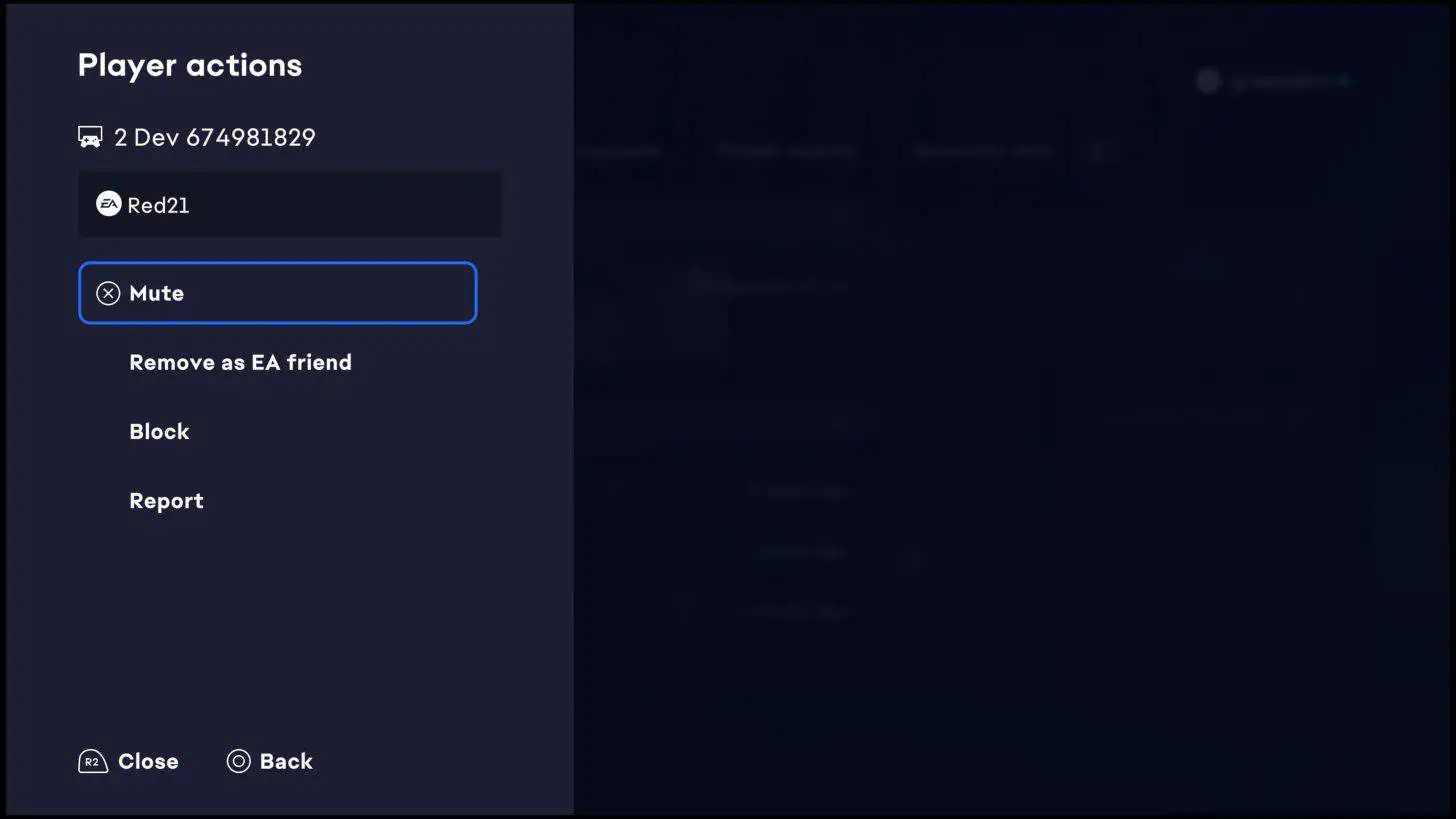
- Through EA Social you will be able manage your cross-platform friends
- You will be able find and add new friends or players you recently played against
- You will also be able to block and mute
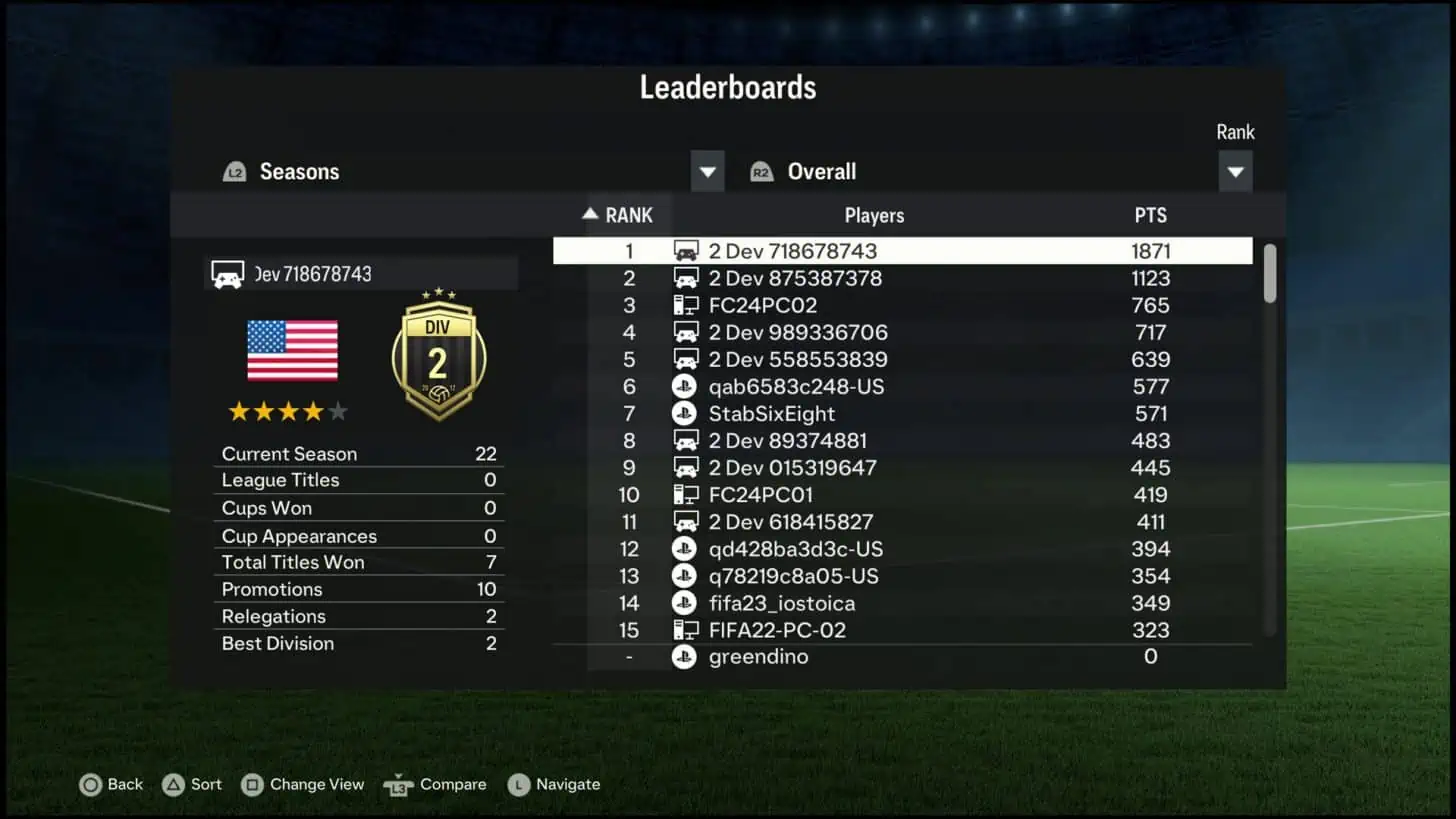
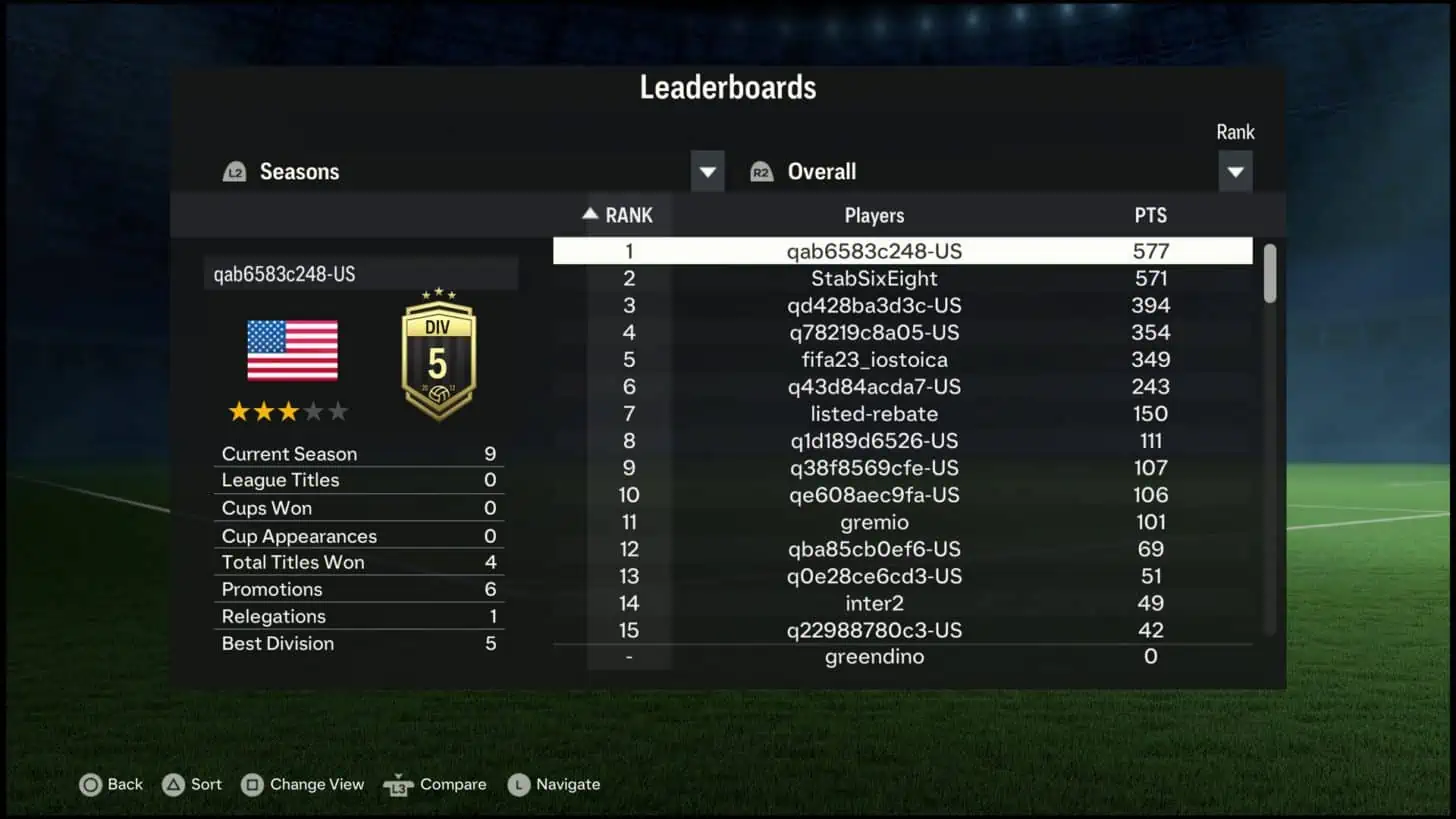
Leaderboards will be filtered based on if you have opted in or out of cross-play. Meaning the players and clubs that you will see in the leaderboards across the game will be based on your cross-play status.
- In Ultimate team and Online Seasons leaderboards
- When cross-play is enabled you will be able to see all cross-platform players or clubs
- When cross-play is turned off you will only see same-platform players or clubs
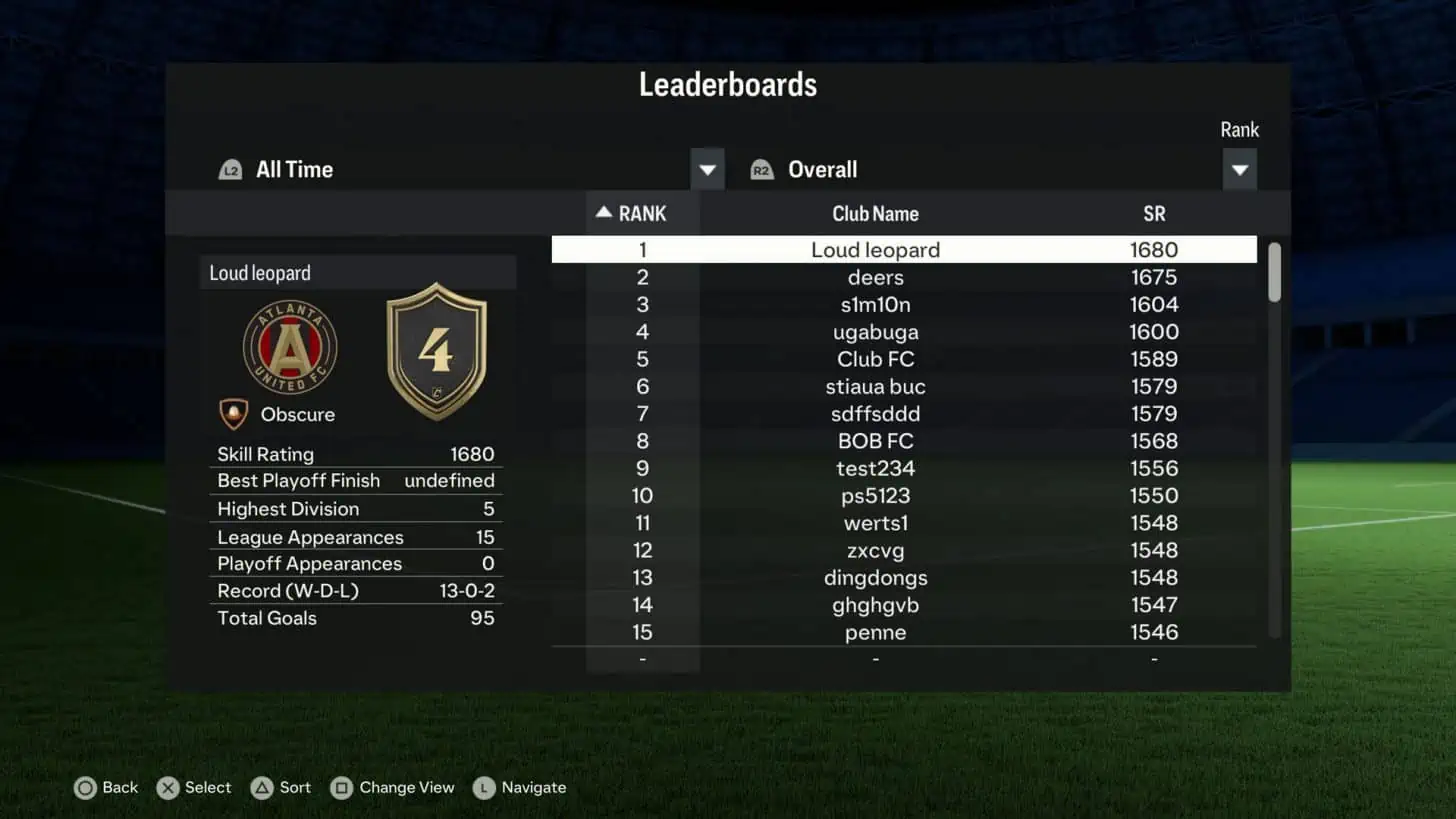
- In Clubs leaderboards
- Your club will not be associated with a specific platform and the leaderboard will show all clubs, whether you have cross-play enabled or not
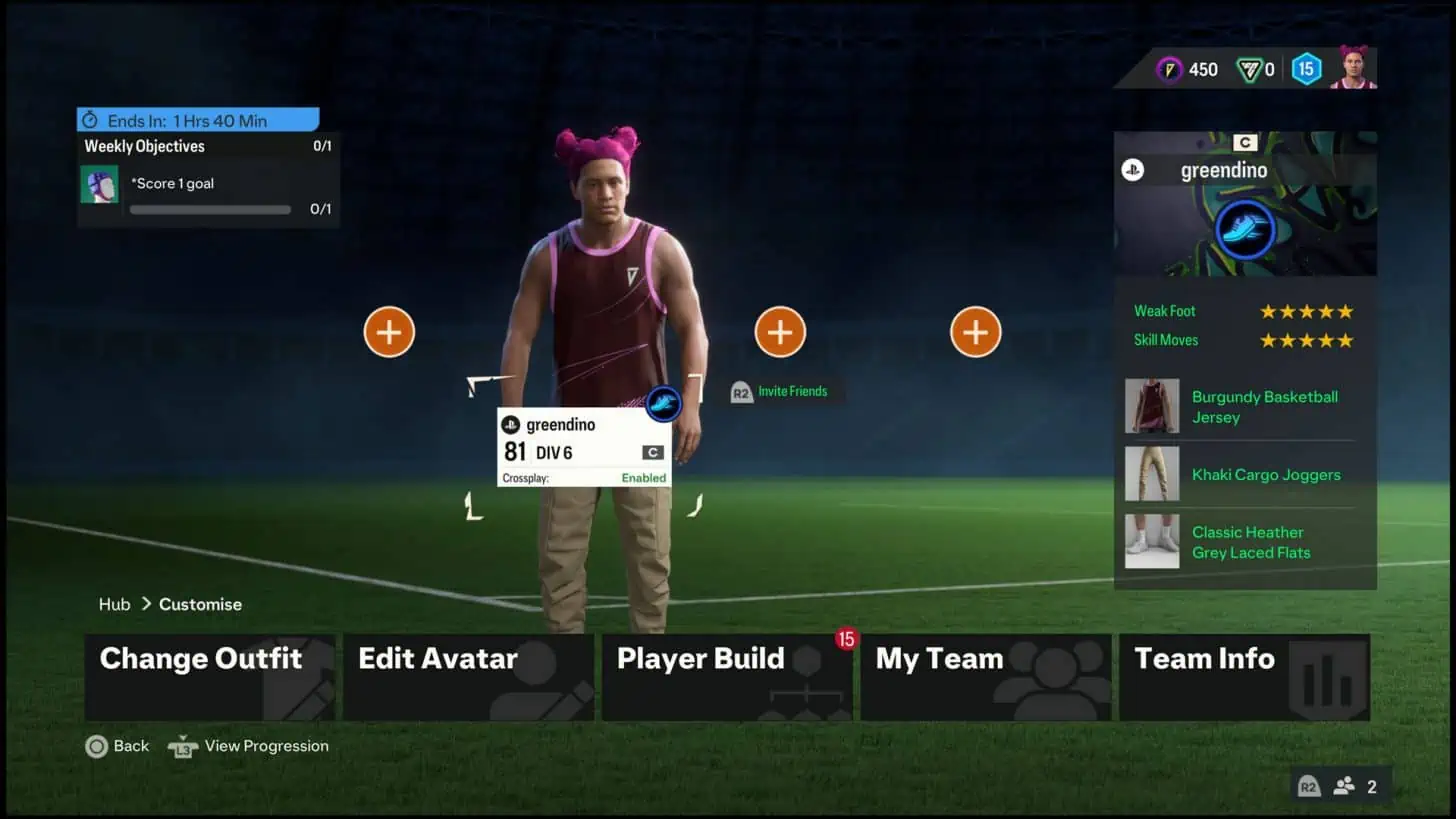
Lobbies will also be based on your cross-play status. The first player in a lobby, or the host of the match, will determine if a lobby is opted in or not, and this cannot be changed once set. To change the cross-play status of a lobby all players will need to leave, the host will need to change their cross-play settings and re-invite friends. Each lobby will include text that indicates whether it is cross-play enabled or not. Here are a couple examples of opted in and opted out lobbies:
- The player below has opted into cross-play and entered VOLTA FOOTBALL, their lobby is now cross-play enabled
- They are able to invite their same and cross-platform friends who have opted into cross-play
- Players that have opted out of cross-play will not be able to join this lobby
- The player below has opted out of cross-play and entered a Clubs Drop-In match, their lobby does not have cross-play enabled:
- They are able to invite their same platform friends, those that have opted in or out of cross-play.
- Same platform friends that have opted into cross-play will still be able to enter this lobby and may be filled in as a teammate in drop-in matches. These players’ settings will not be altered from opted in, but they will be participating in a same platform match.
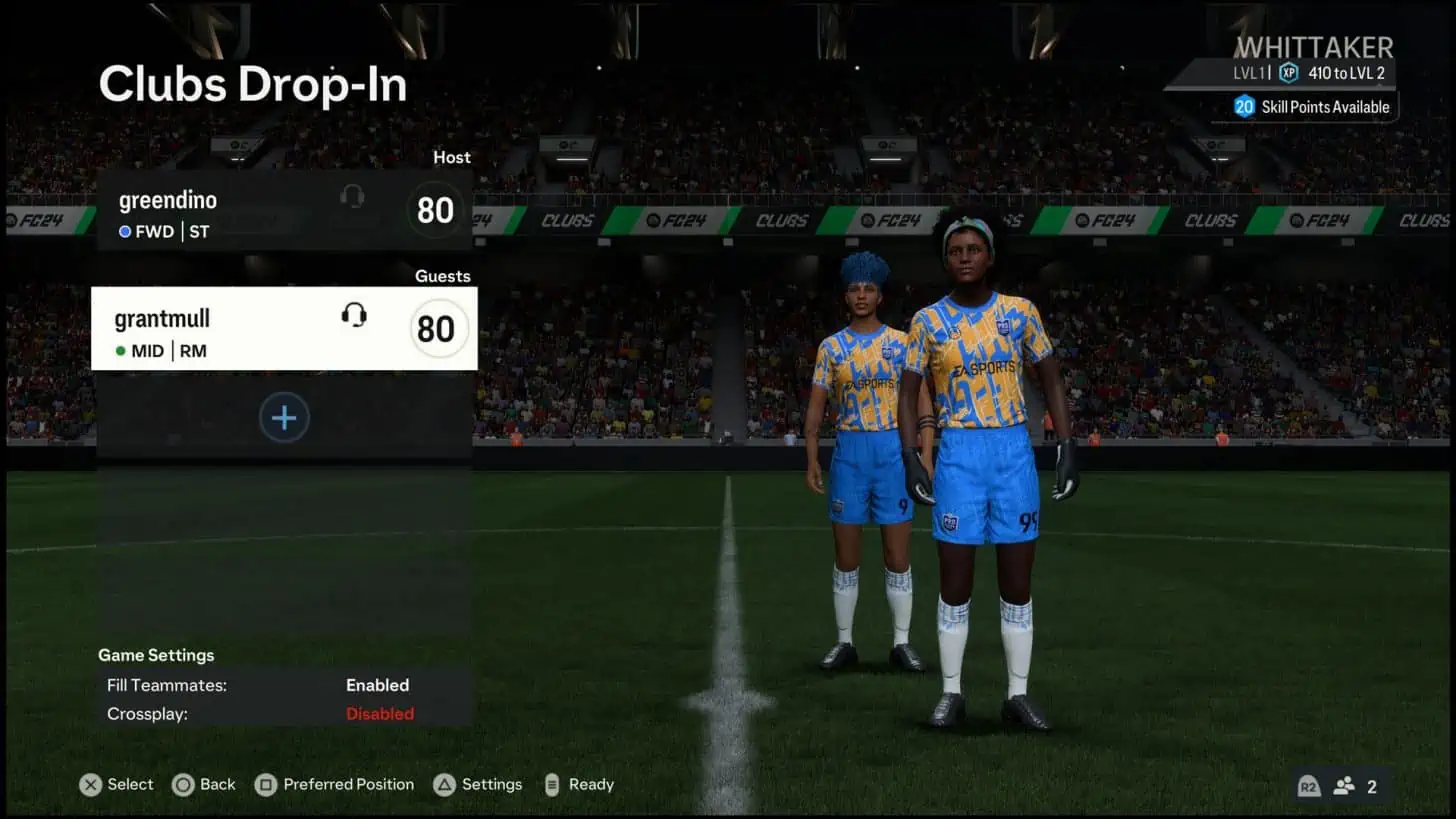
- Clubs lobbies – A player from a different platform is inside a cross-play-enabled Clubs match lobby:
- A player from another platform must have crossplay enabled to enter the lobby with their teammates.
- Attempting to enter a lobby in this state will prompt the player to change their cross-play setting to enabled before proceeding to the Clubs match lobby.
- A player from another platform must have crossplay enabled to enter the lobby with their teammates.
Your cross-play status will also affect what player information you can or cannot see in Clubs. For example:
- As a club manager, if you have opted out of cross-play you will not see transfer requests of cross-platform players until you have changed your opt in status
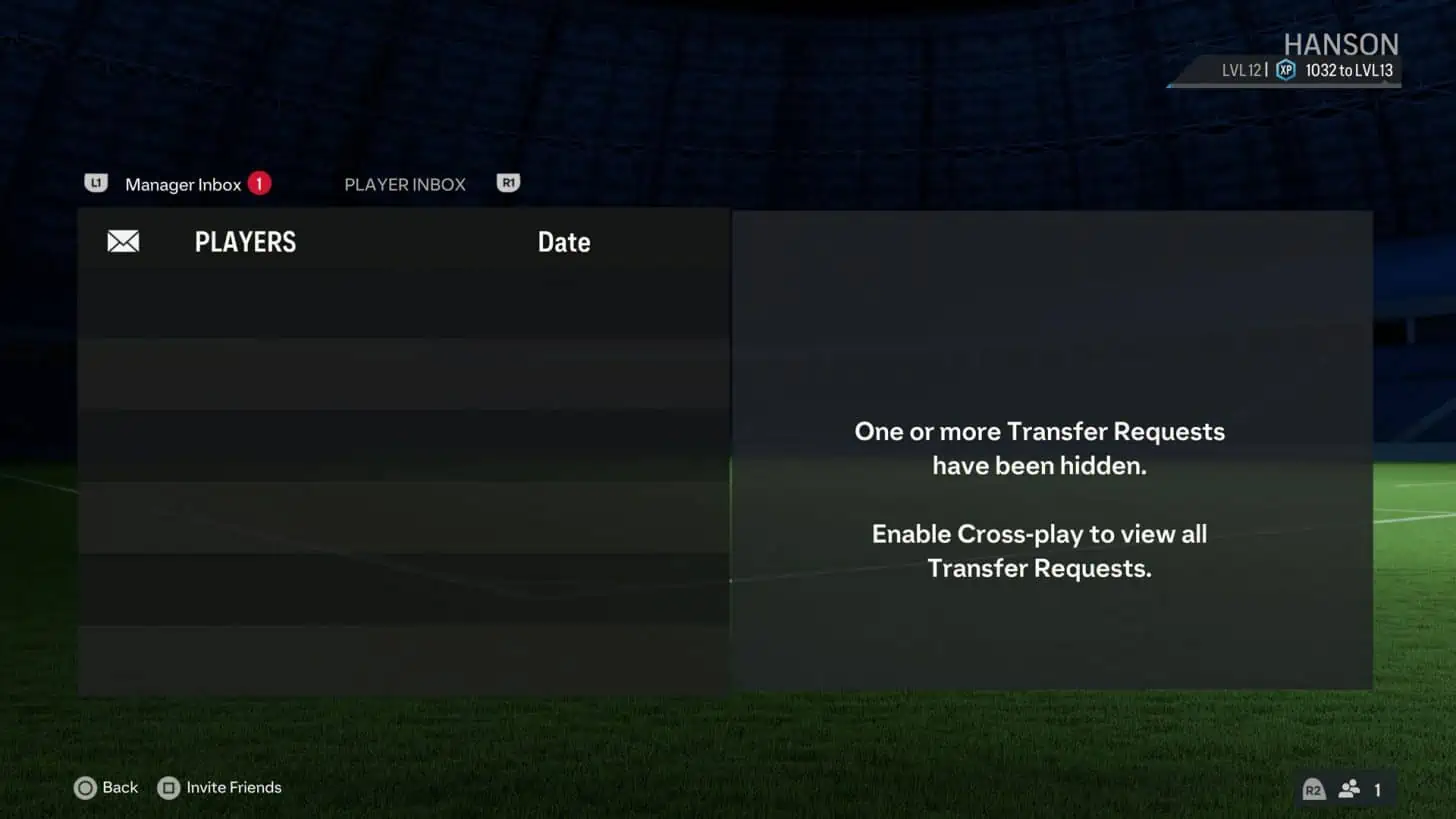
- When you have opted out of cross-play and are viewing club information, you will only be able to see players in that club that are on the same platform until you have changed your opt in status
We remind you that by Pre Order the Ultimate and Standard Edition of EA SPORTS FC 24 on the PlayStation 4 or Xbox One system you can get the version for the equivalent new generation console (Xbox Series X or PlayStation 5 system) at no additional cost thanks to the Dual Entitlement service.
EA SPORTS FC 24 is available on PlayStation 5, Xbox Series X, PlayStation 4, Xbox One, PC, Nintendo Switch and Steam. Keep on following us also through our social Facebook, Twitter and Instagram for other news and Promo.