Find out more about FIFA Ultimate Team (FUT), what to do if you’re missing Items from your FUT, and what to do if you get the wrong Player version in-game.
What’s FIFA Ultimate Team?
FIFA Ultimate Team (FUT) is a way for you to build your dream Squad. Play matches to earn Coins, use the Transfer Market to buy and sell Players, and create your Ultimate Team to make your mark on the pitch.
Transfer Market
Use your Coins to buy and sell Players in the FUT Transfer Market.
Transfer Market transaction fee
All Transfer Market sales in FIFA have a 5% Transaction Fee. This helps keep the market fair and accessible for players like you.
This is part of the auction system in the game, is applied to all sales, and is non-refundable. The fee is applied to successful sales but won’t be taken from an unsuccessful sale.
Here’s an example of how the fee works:
Potrebbero Interessarti

- Item sale price: 1000 Coins
- Final Transaction Fee: 50 Coins (5%)
- Coins added to the seller’s balance: 950 Coins
The Transaction Fee helps to control the growth of Coins in the economy, which helps even out prices of the best content in the Transfer Market. This makes the market more accessible for players of all levels.
Delays in the Transfer Market and stuck Items
If your FUT Items are missing from your Trade Pile or Watch List, they may just be delayed. There can be a 72-hour delay in getting the Items from the Transfer Market to you.
When a Player gets stuck after you’ve bought or sold it on the Transfer Market, it should be automatically corrected within 72 hours. After 72 hours passes, check your Trade Pile or Watch List to see if your Items appear.
If you don’t get the Item after 72 hours, the FIFA game team will try to regrant the Item. If an Item can’t be unstuck, you may get a copy of it instead. You may still see the stuck trade, but you’ll be able to use the copy of the Item.
Missing FUT Items
If you’re missing Items from your FUT, keep this stuff in mind:
- We (EA) will never ask for your account info through the Xbox or PlayStation messaging system.
- False claims are against our rules. Just don’t do it.
FUT Draft Tokens
Got disconnected and/or lost your access to FUT Draft? Use the Draft Token request tool to get back in to Draft mode.
Reminder: Our advisors can help you with connection troubleshooting, but they can’t grant Draft Tokens.
FIFA Points
Did you buy FIFA Points and never get them? First try logging out of FUT and logging back in again. Sometimes the Points will be stuck, and logging back in will help them come through to your account.
If you still don’t have them, we’re going to need some information from you to help investigate. We’ll need:
- your proof of purchase
- your persona name (ID, PlayStation™ Network Online ID, Xbox Live gamertag) where you’re missing your Points
- the date you bought the Points
- how many Points you’re missing
- any other details about your issue.
Items, Coins, and Players
Did you submit Players in a Squad Building Challenge (SBC)?
When you submit Players in SBCs, they’re permanently removed from your Club in exchange for rewards.
Think you were hacked?
Follow these steps right away to help re-secure your account before contacting us to report your lost or missing Items.
Get this stuff ready before you connect with an EA Advisor:
- Your persona name (ID, PlayStation™ Network Online ID, Xbox Live gamertag) where you’re missing your stuff.
- The date your stuff went missing.
- How the Coins or Items were lost: during an Auction, from your Trade Pile, never got a Reward, or disappeared when you logged in?
- Missing Items description: How many Coins are you missing? What Players or Items are you missing?
- Any other details about your issue.
Time to report it
- Click Contact Us.
- If your game auto-populates, click Next.
- If it doesn’t, search for the version of FIFA you are playing, then click Next.
- Click your FUT Platform. Click Next.
- Choose Missing content as your topic.
- Choose your Issue.
- Click Select contact option.
Choose the option that works best for you, and we’ll be ready to help you out.
Player versions
Different versions of FIFA Player Items are available throughout the year. Those versions can include:
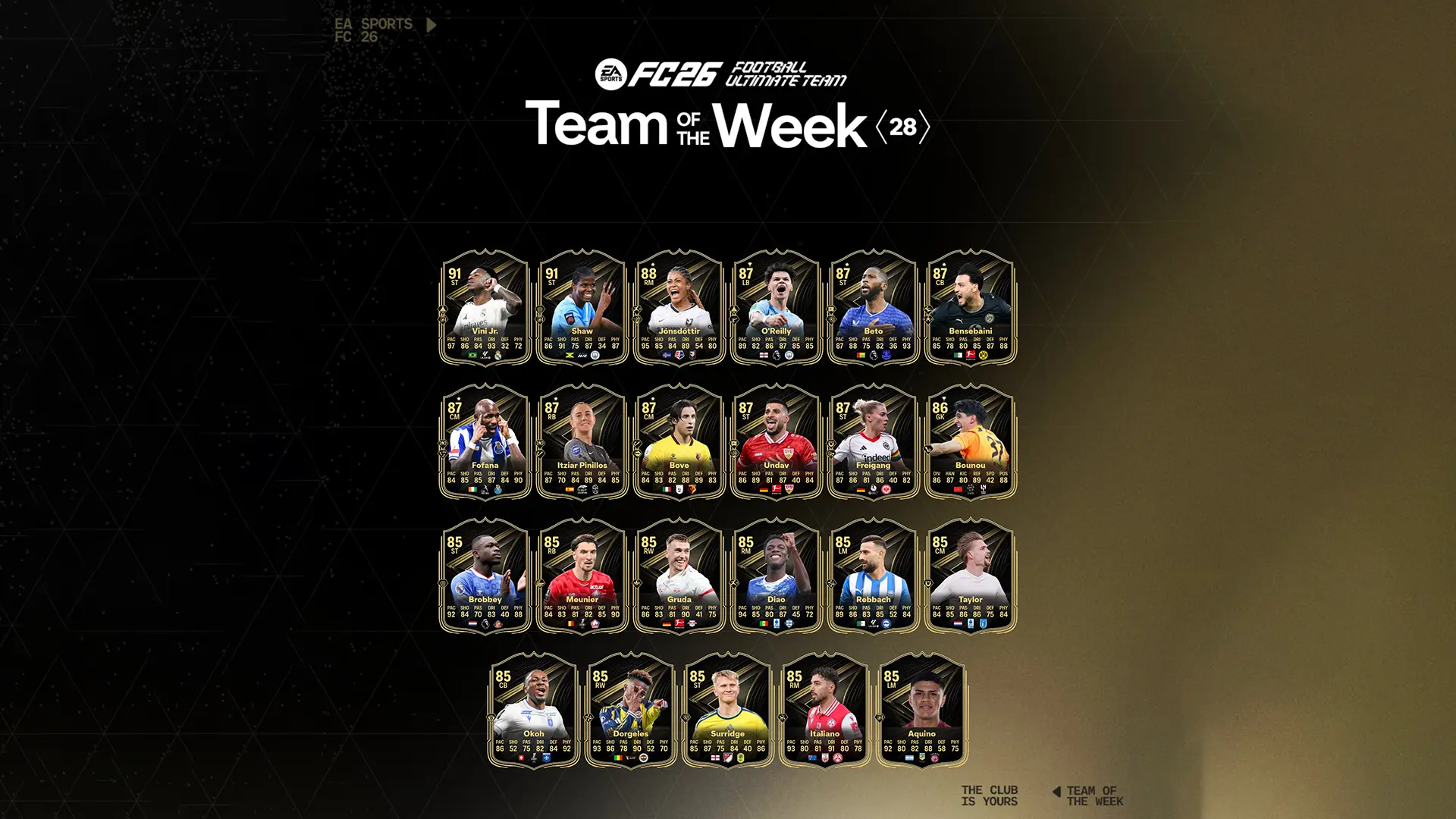
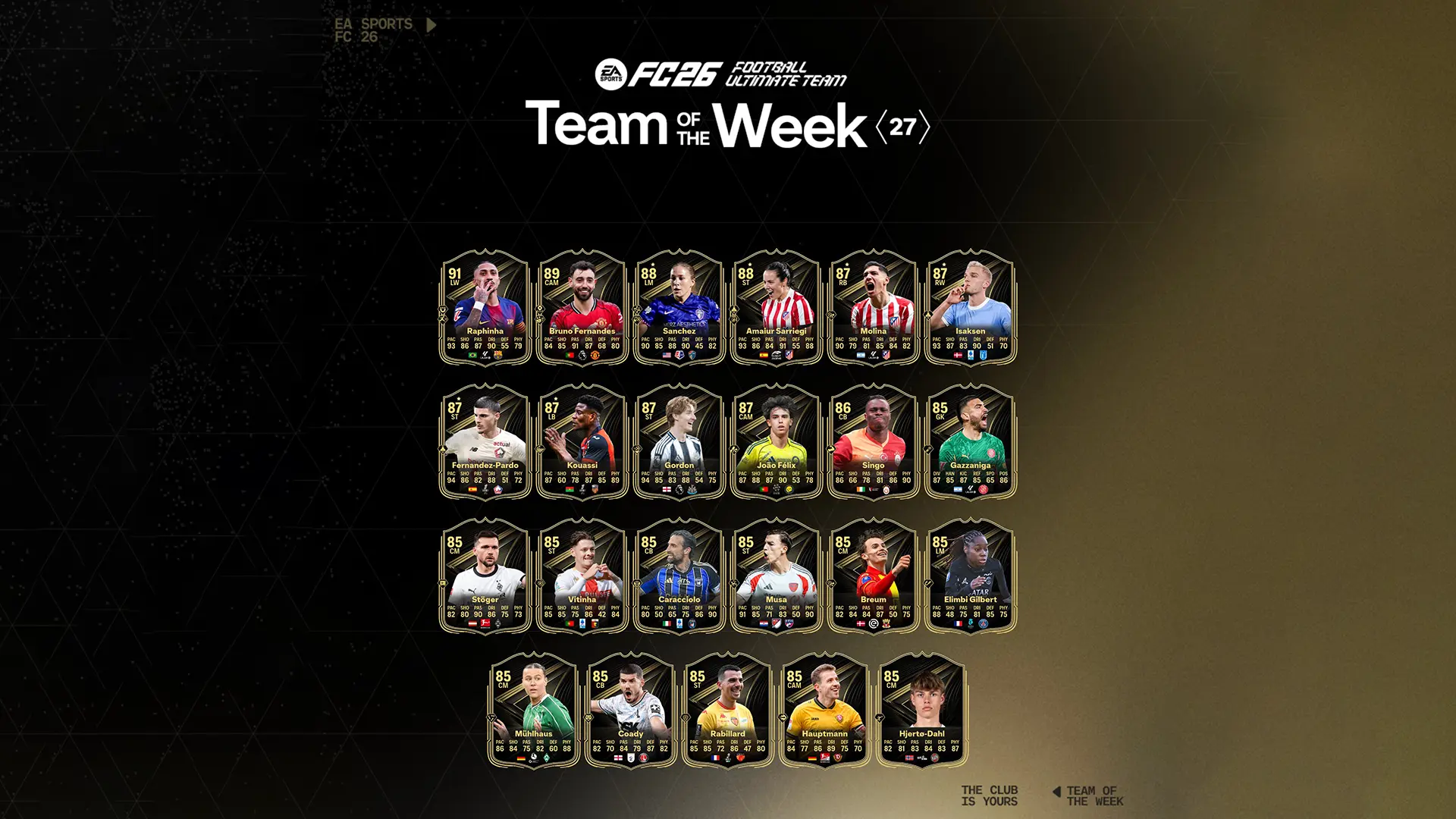
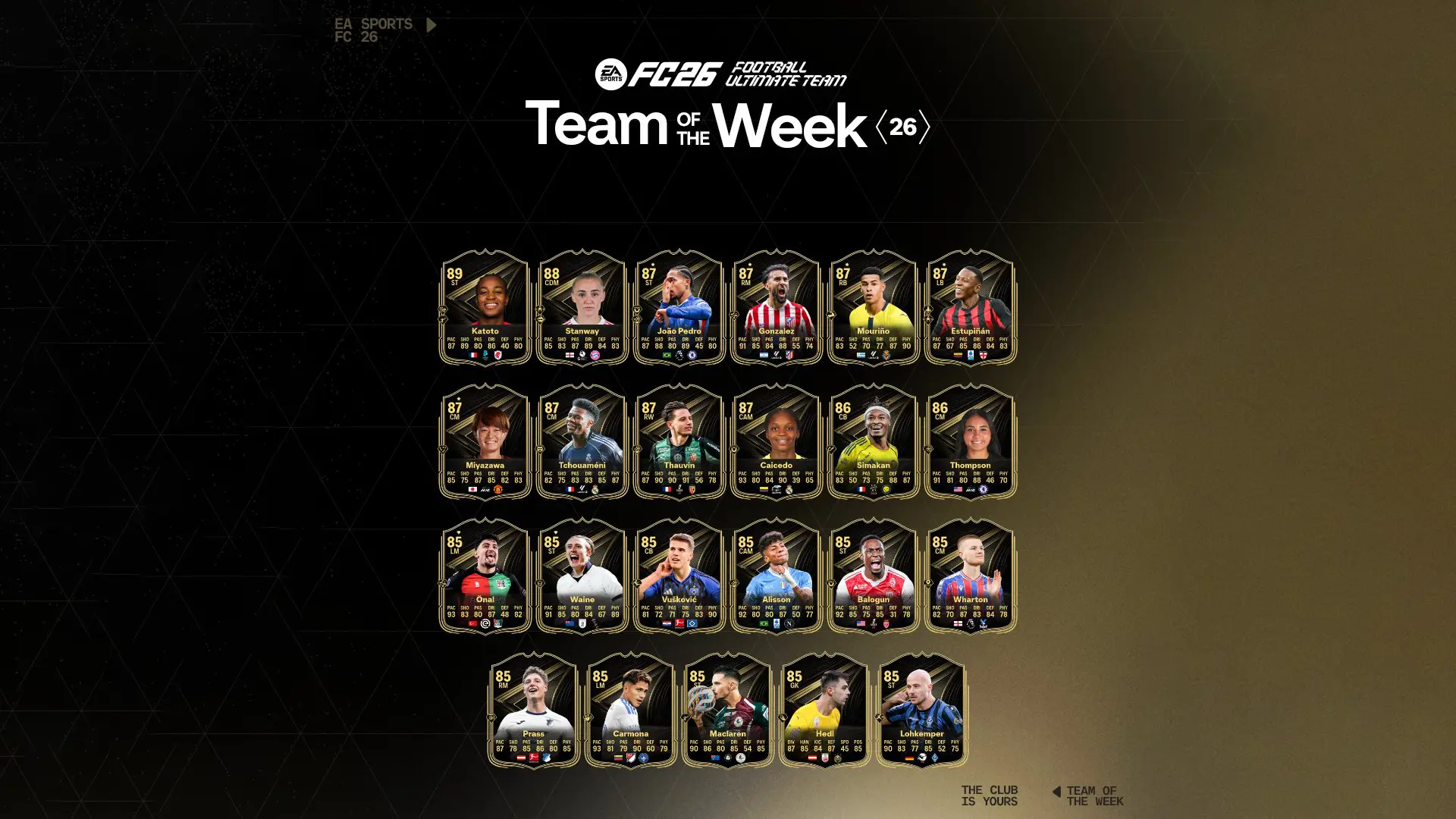
- Team of the Week (TOTW) – Players are released each week, for Players that played well in real life that week.
- Man of the Match (MOTM) – Players are given to the best or most influential players of matches.
There are also versions from specific promotions like, Team of the Season (TOTS) and Team of the Year (TOTY).
You might be used to calling these special versions “in form.” These in form versions are available in packs for a short time in-game.
What do I do if I got the wrong Player version in FIFA?
When there’s a special version of a Player Item available in packs, there’s sometimes an issue that causes you to get their regular version instead of their in form. Give it about 72 hours, and you should see the standard version switch to the in form version.
What if I sell the regular version of the Player Item?
If you sell or discard the standard version of an Item, you’ll still get the in form version in-game, typically within that 72-hour window. It’ll show up in your Unassigned Items.
It’s been more than 72 hours, but I still don’t have the in form version
If you do not see the in form version after 72 hours, then the Player was not pulled from the pack in time.
FIFA 20 is available from September 27, 2019 on PlayStation 4, Xbox One, PC, Nintendo Switch. Keep on following us also through our social Facebook and Twitter for other news and information.